Share with non-Onefunc Plan users
Create a "Public Event URL"
If you set the shared space's sharing range to "Private" or "Members Only" and create a "Public Plan URL" for the shared plan, people who know the URL can view and comment on the plan even if they are not OnefuncPlan users.
★You can stop publishing the public plan URL at any time. After pausing, an error will occur if you try to open a URL that has already been created.
★You can recreate a URL even after pausing the scheduled URL. However, the URL that is recreated will change each time. You will need to let people who you want to share it with know the URL.
How to create a "Public Event URL"
Prerequisites
1. Only the user who created the scheduled publication can create a URL.
2. To create a scheduled publication URL, you must publish it as usual in the shared space.
Where is the Create button?
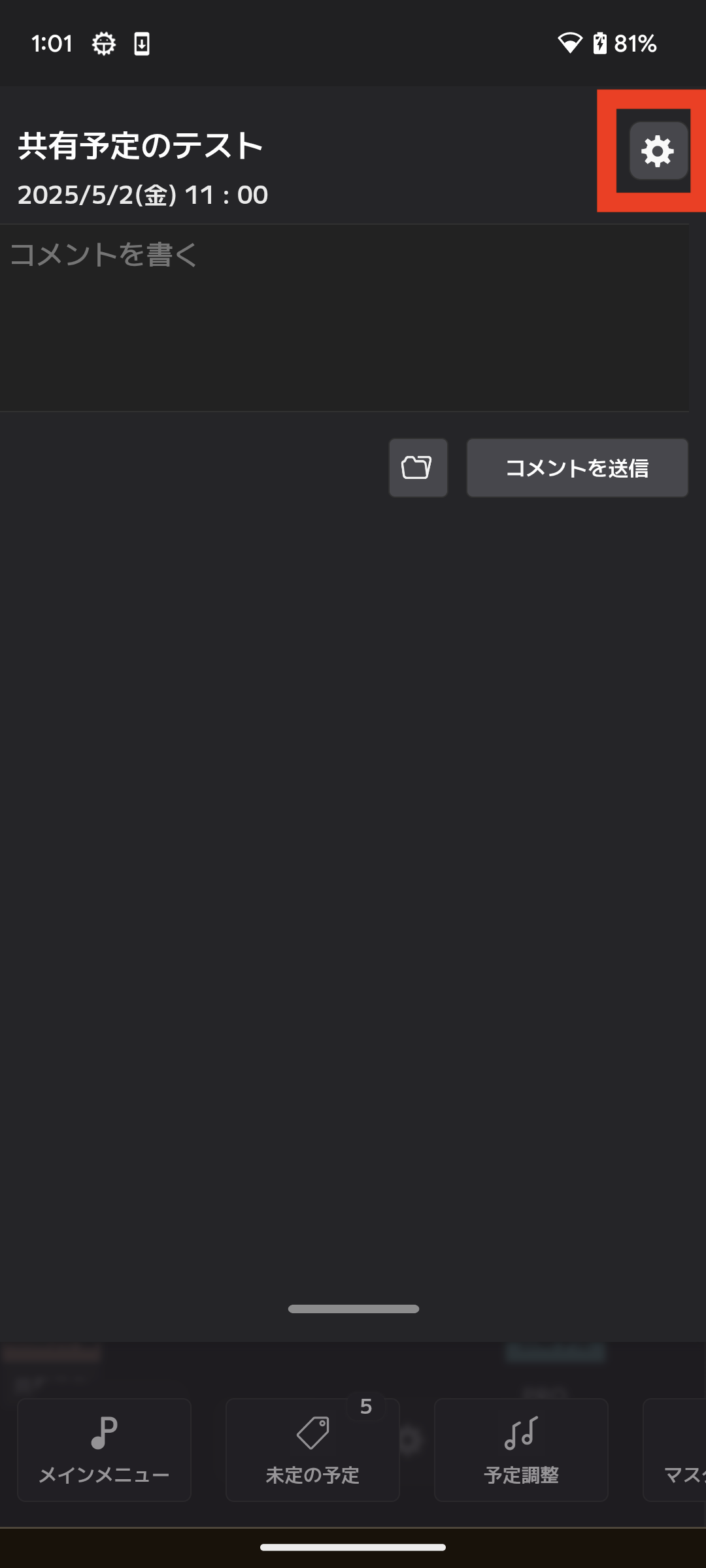
When you select the gear button in the top right of the comment screen, a menu called "Create a public URL" will appear.
When you select "Create a public URL", a scheduled publication URL will be created.
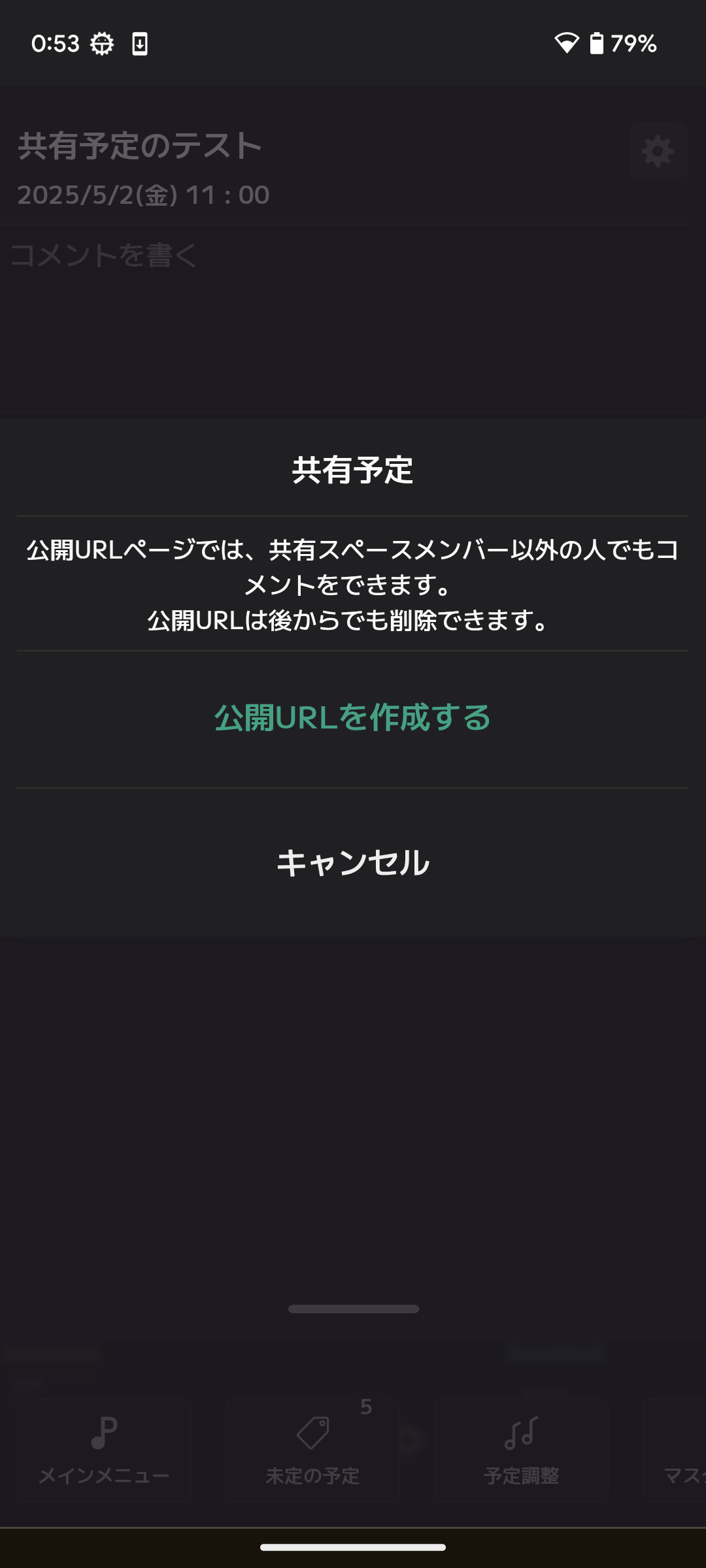
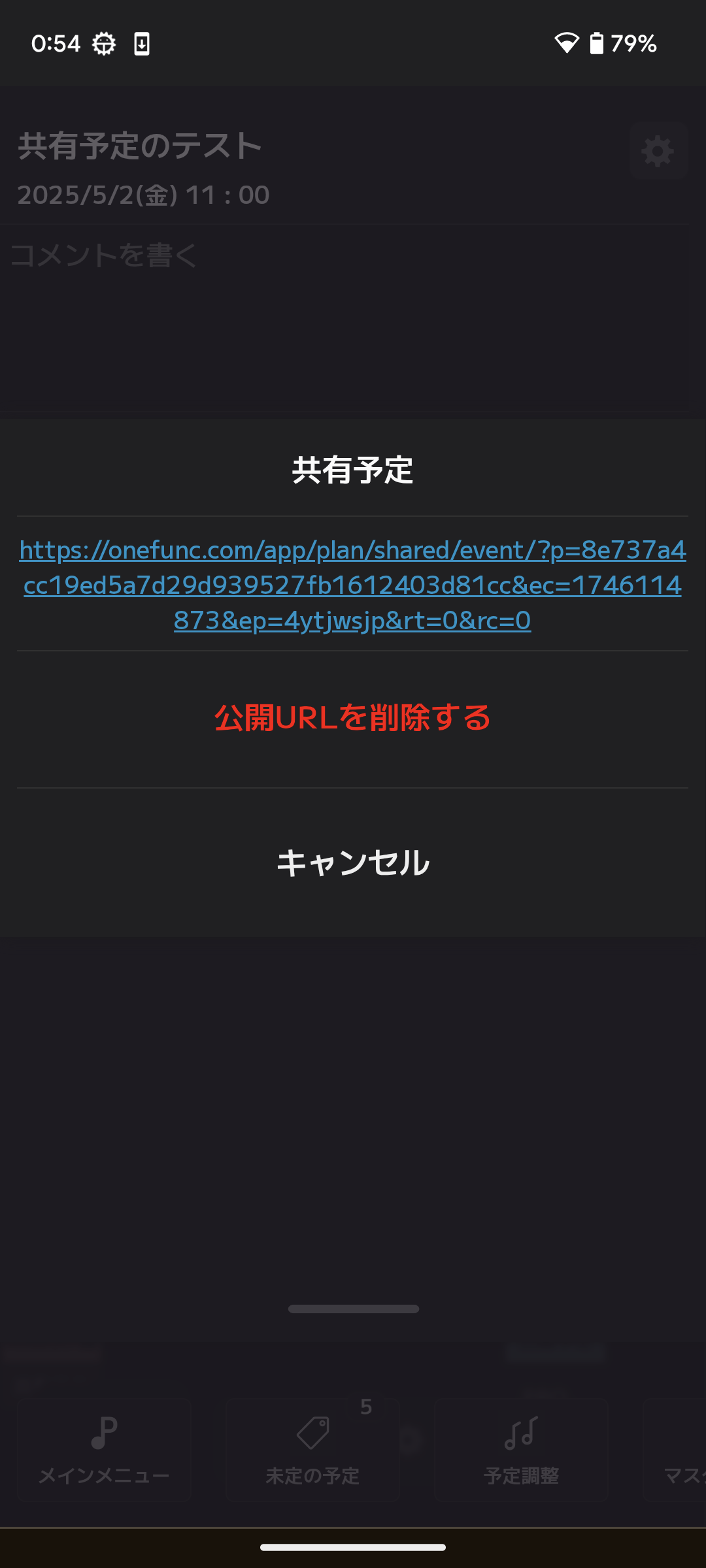
After creation, the following menu will be displayed.
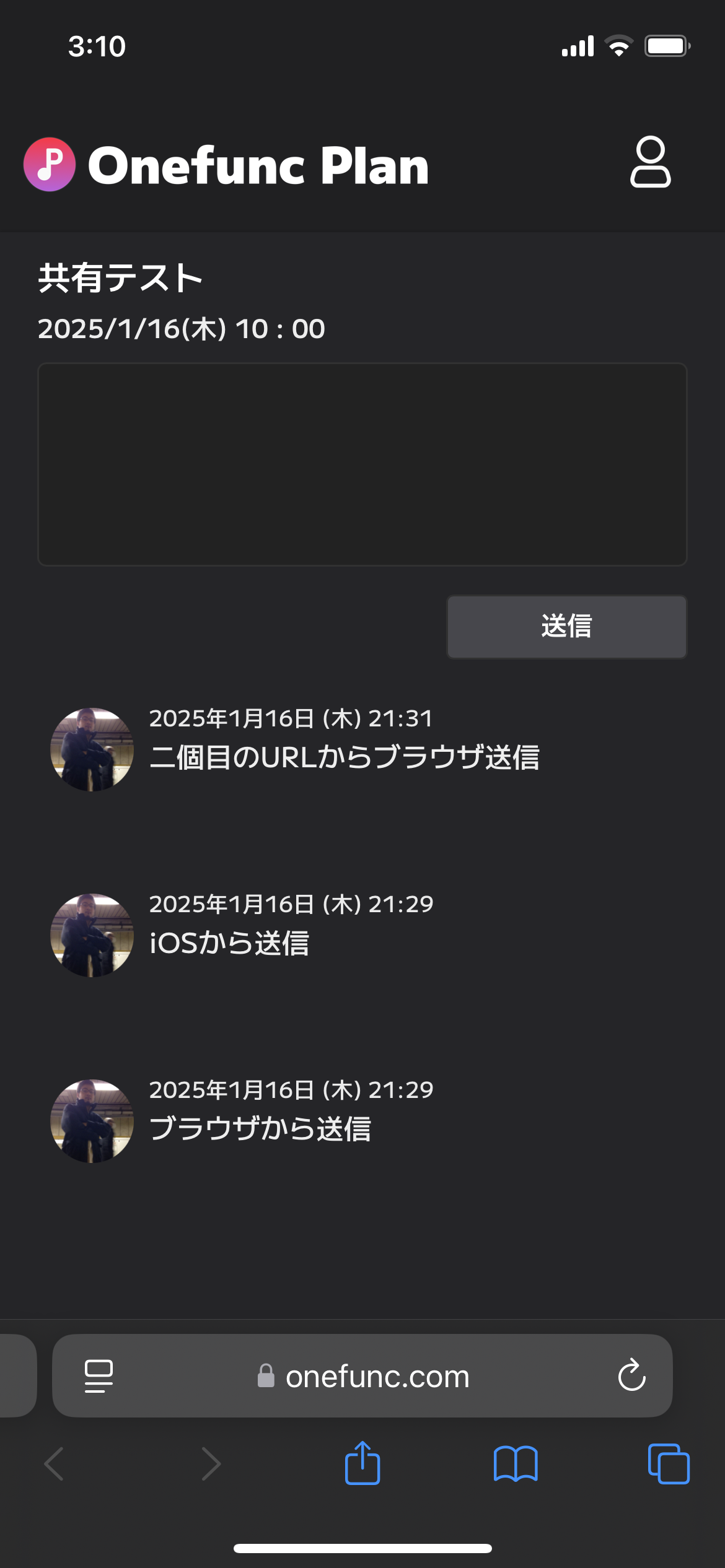
Actual screen display
★Even if you post from the comment screen in OnefuncPlan, it will be reflected on this screen.
★You can comment even if you are not a OnefuncPlan user.
Functionality restrictions for "Public Event URL"
1. Comment attachments cannot be viewed on iPhone or Mac Safari.
2. Comment attachments cannot be used on all browsers.