How to create a shared space
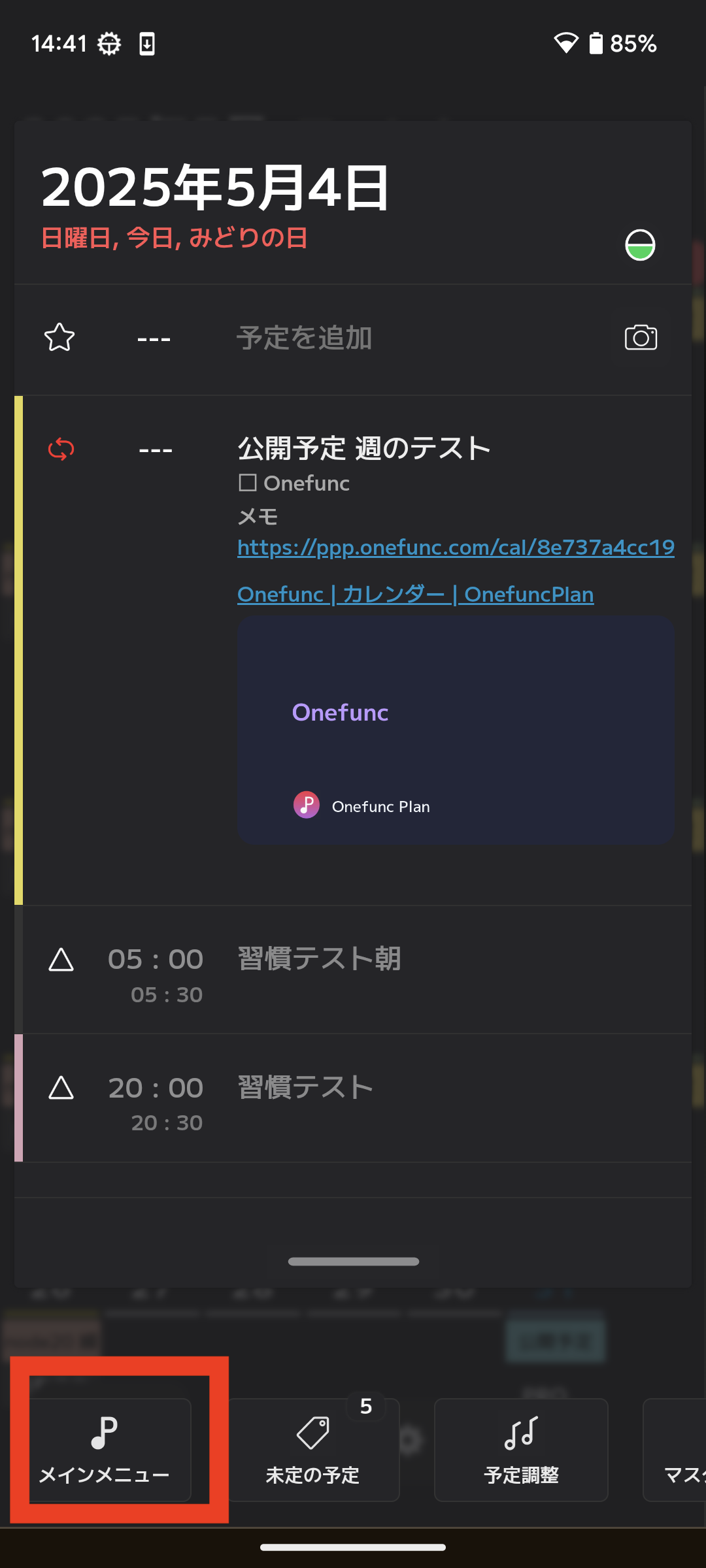
First, open your shared space list screen.
There is a menu called "Shared Space" on the screen below. Please select it.
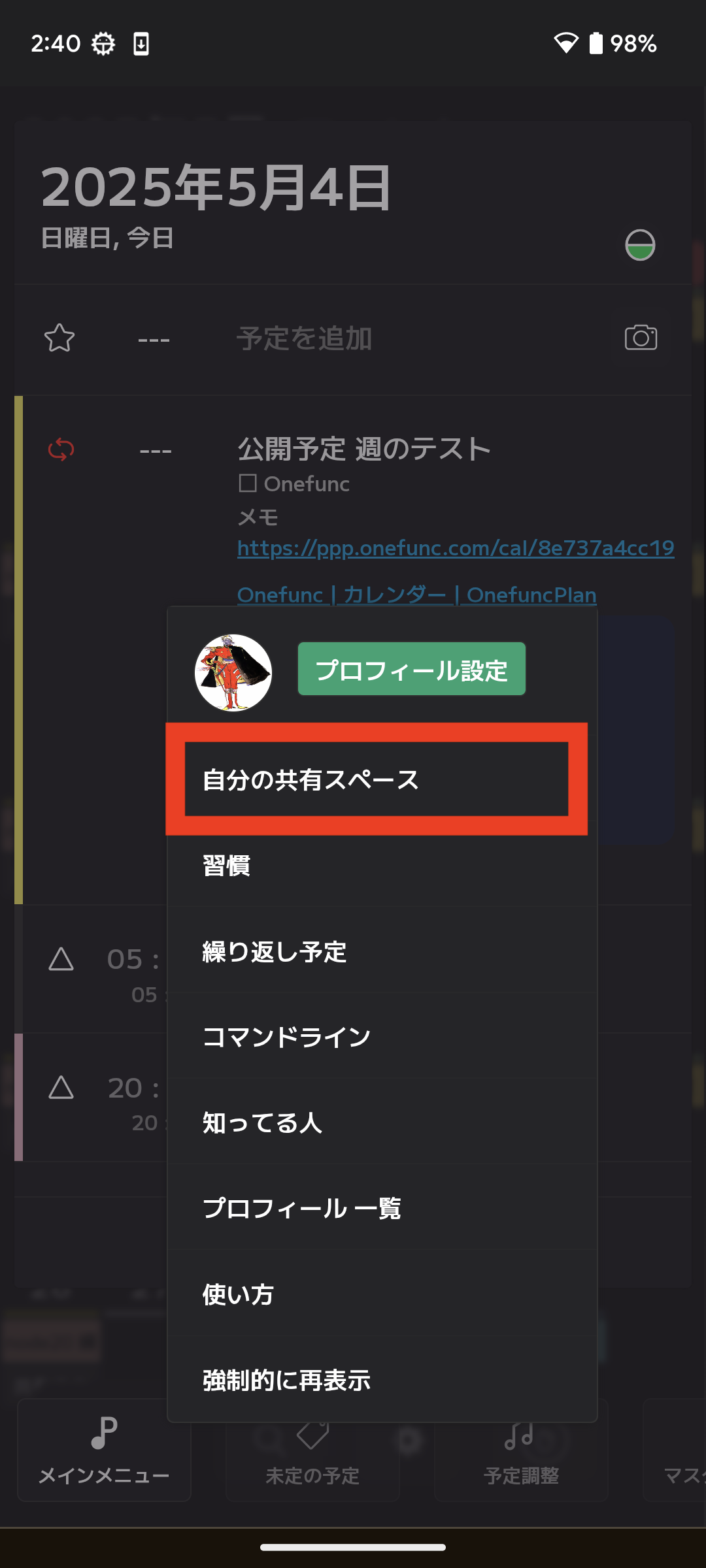
How to create and edit shared spaces
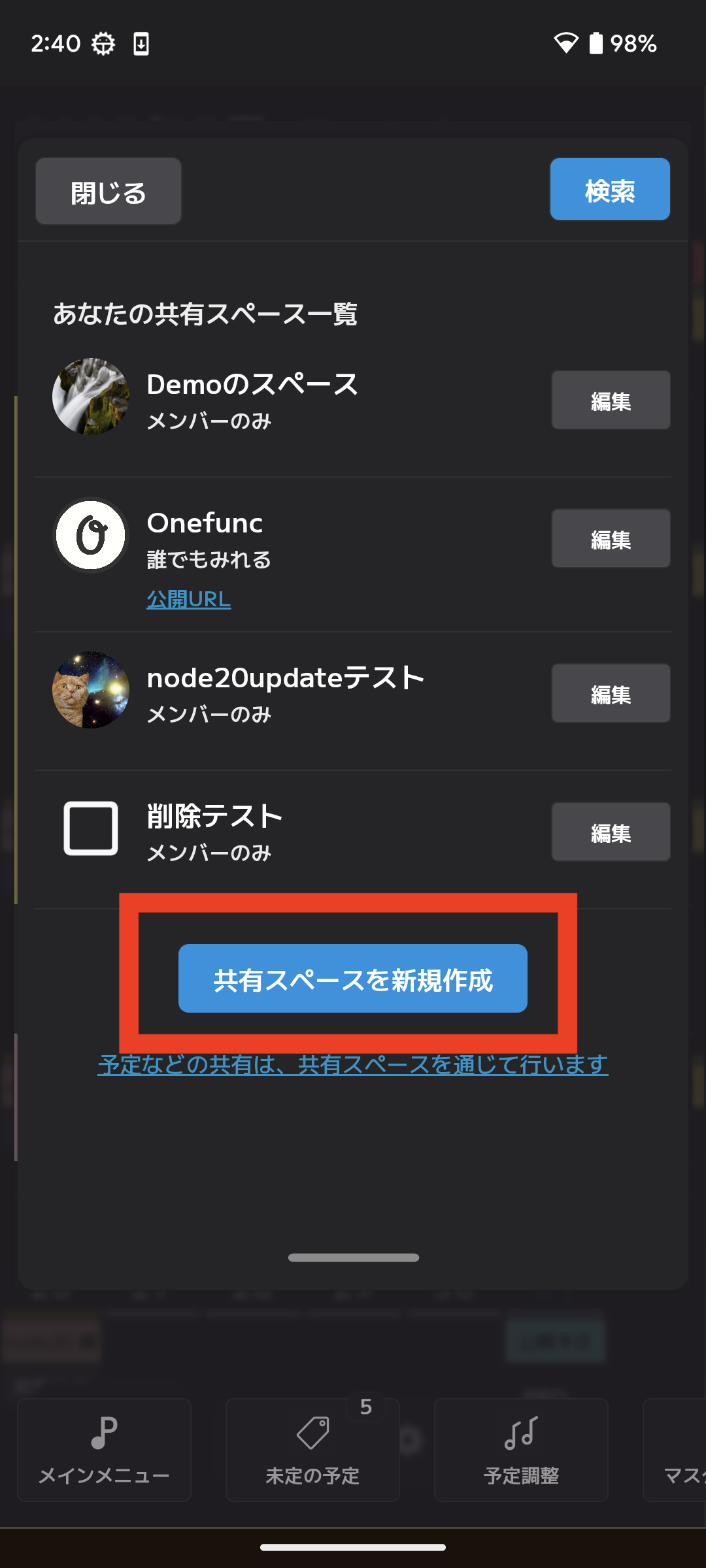
The shared space list screen displays a list of shared spaces for which you are the owner.
[Edit an existing shared space]
If you want to edit an existing shared space, simply select the target shared space.
[Create new]
To create a new one, select the button below.
SharedSpace settings
1. Icon
Set an icon that is easy for others to understand and has a unique image.
2. Name
The name of the shared space is necessary for others to be able to find it through search.Make it a name that's easy to find.
3. Comment
You can set a comment about the shared space.
4. Shared range
You can set the scope of information sharing.