All of the configuration diagrams below require only one email address
This allows for much faster organization, reducing administrative and expense costs.
Prerequisites
You cannot share schedules just by registering with a Onefunc Business Center. To do this, you need to create a "shared space." Creating shared spaces is basically free, but there is a limit to the number of spaces you can create.
For more information on shared spaces, see here
Small organizations, stores, etc.
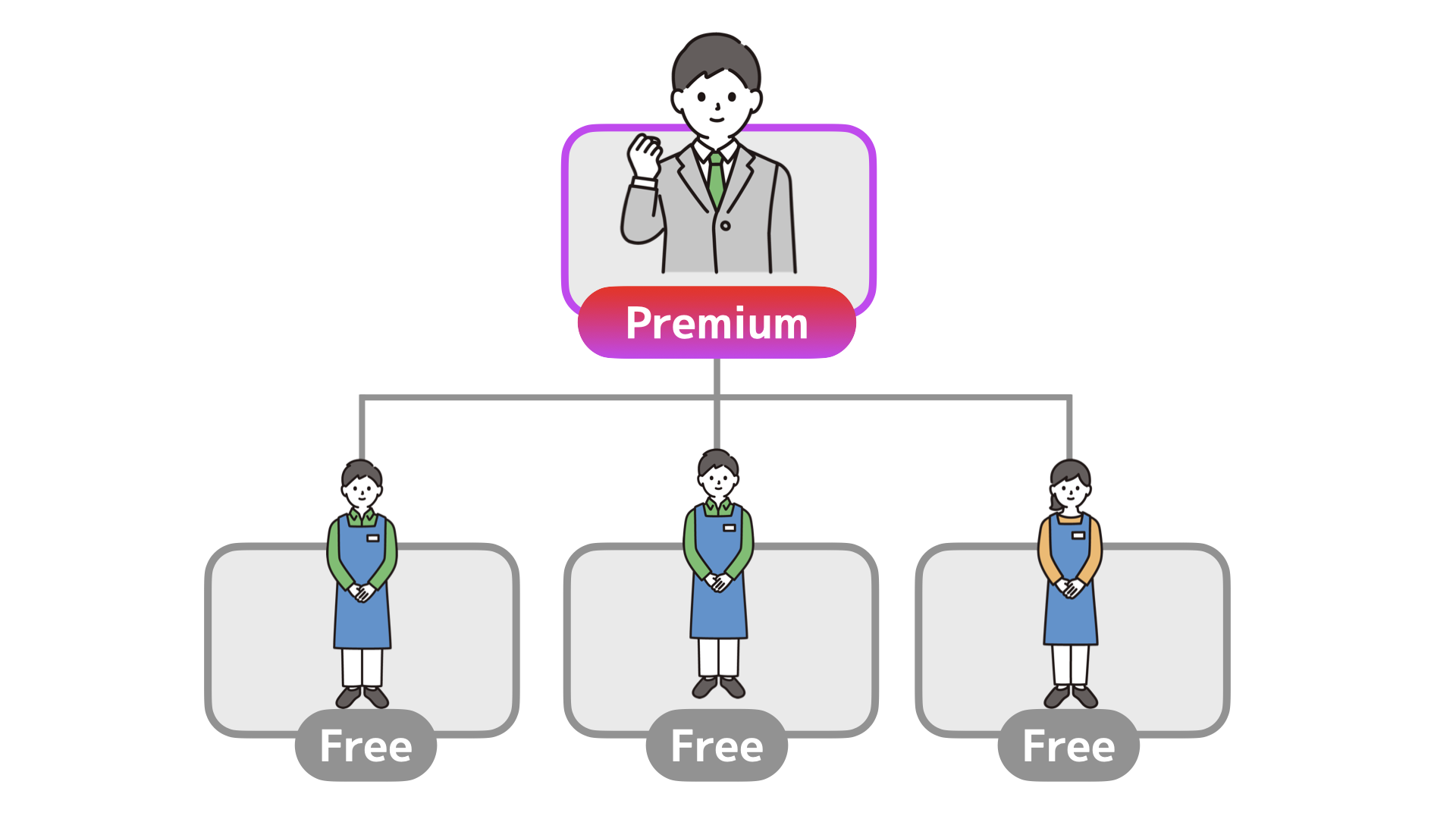
Plan
Position
Qty.
Price/mon.
Premium
Admin
1
12.80
Basic
Full-Time
0
0
Free
Part-time
3
0
Total/mon.
12.80 USD
12.80 USD
Small organization Office work
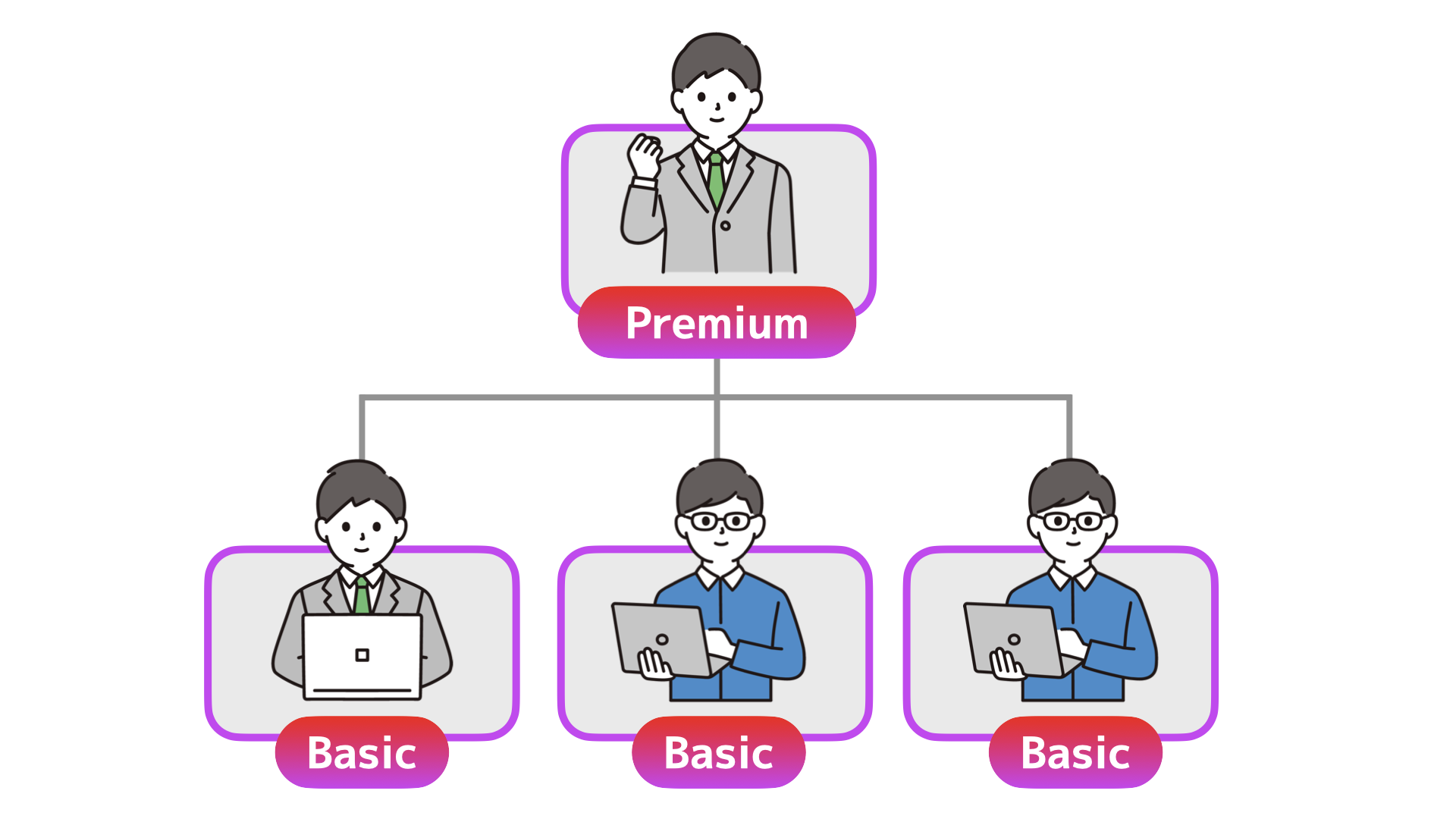
Plan
Position
Qty.
Price/mon.
Premium
Admin
1
12.80
Basic
Full-Time
3
14.40
Free
Part-time
0
0
Total/mon.
27.20 USD
27.20 USD
Medium-sized organizations, stores, etc.
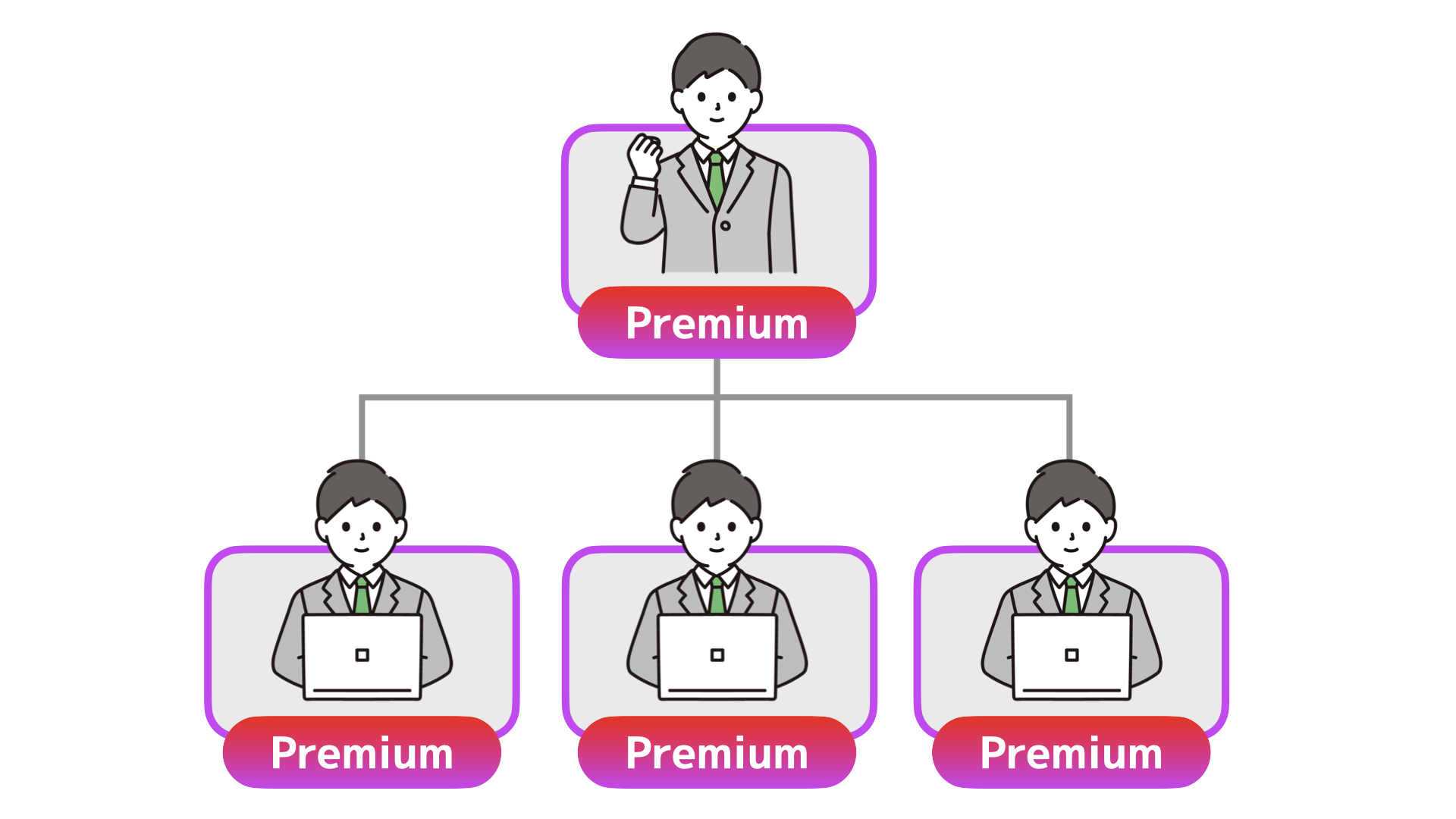
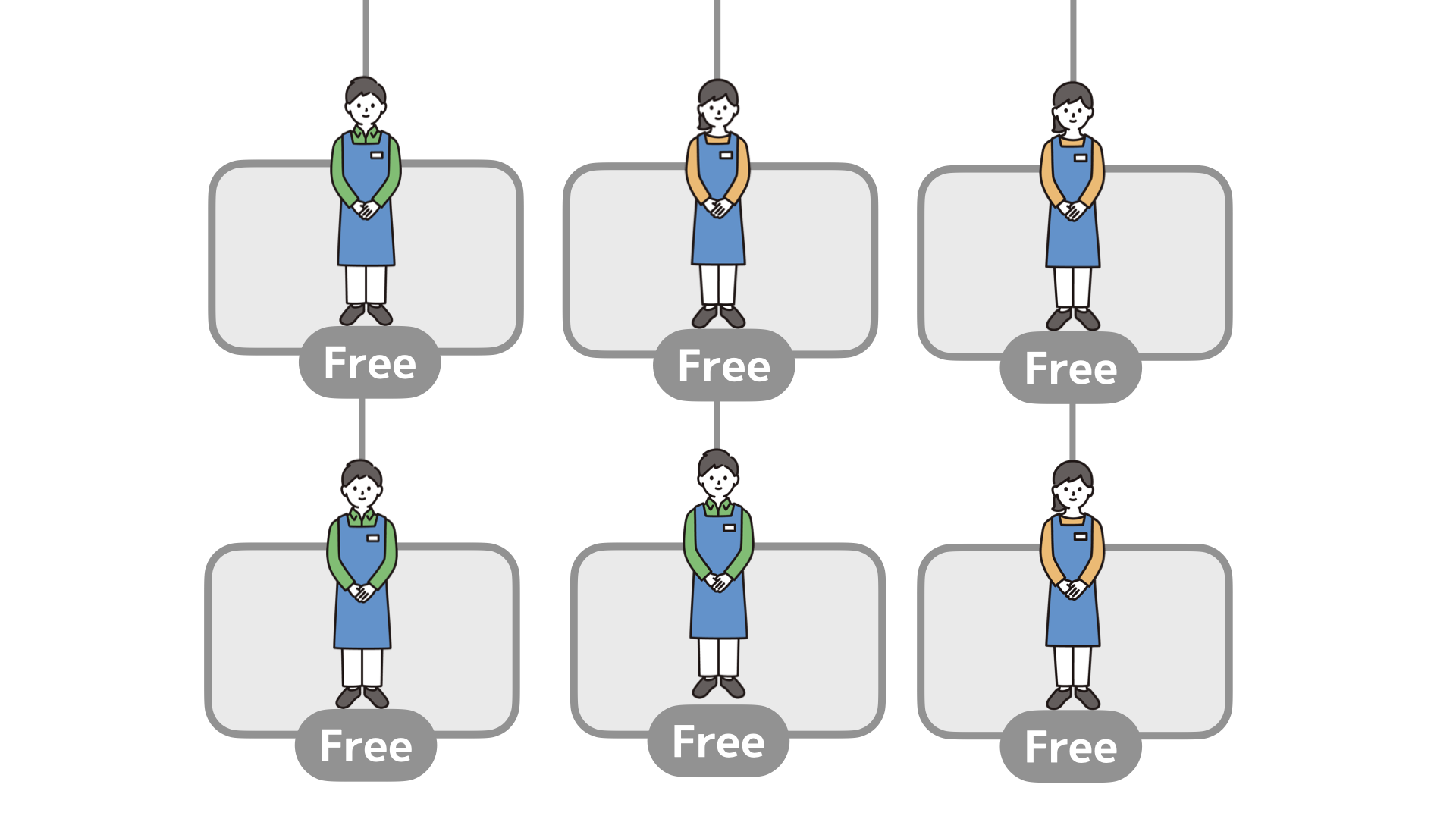
Plan
Position
Qty.
Price/mon.
Premium
Admin
4
51.20
Basic
Full-Time
0
0
Free
Part-time
6
0
Total/mon.
51.20 USD
51.20 USD
Mid-sized organization Office work
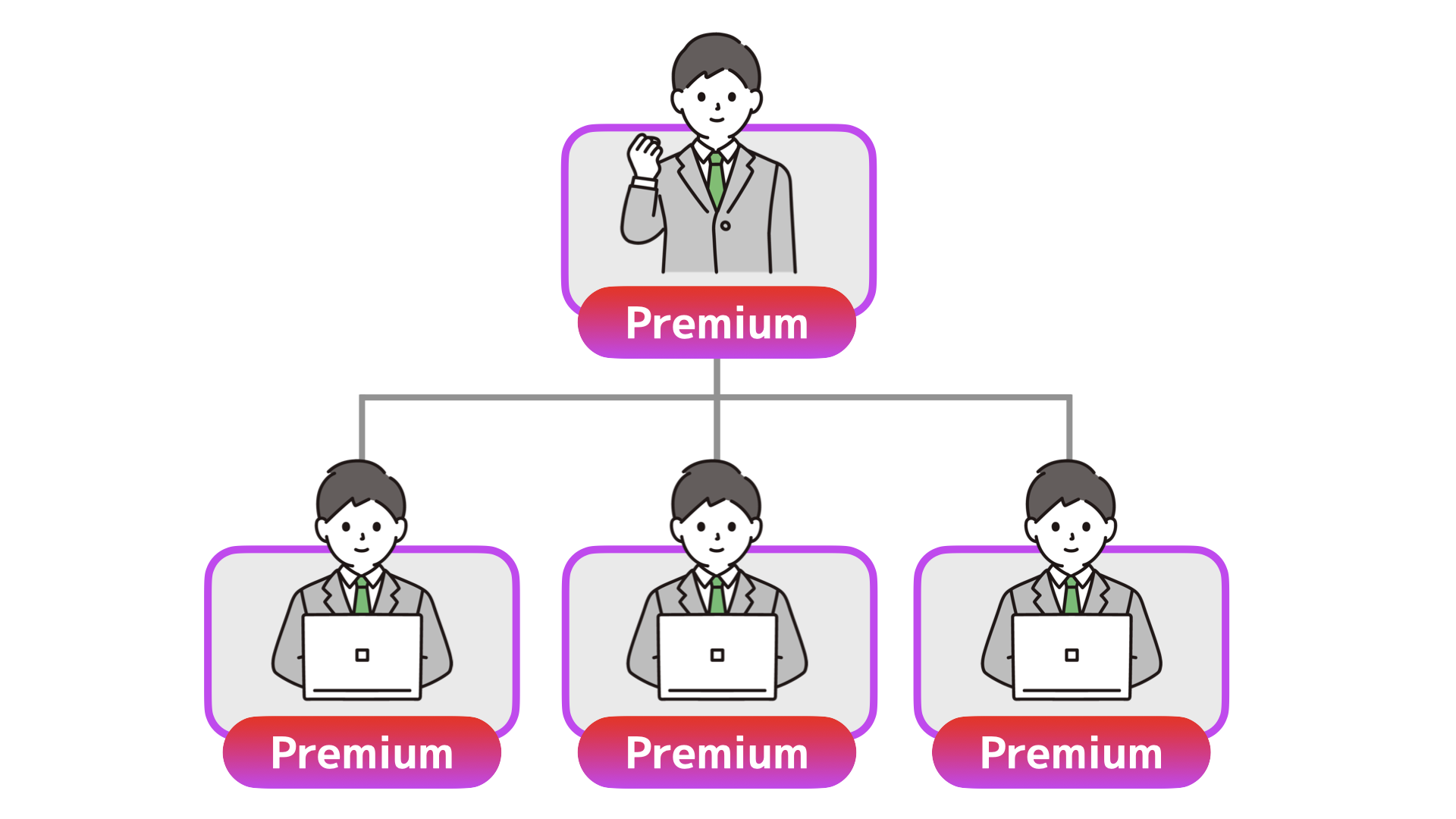
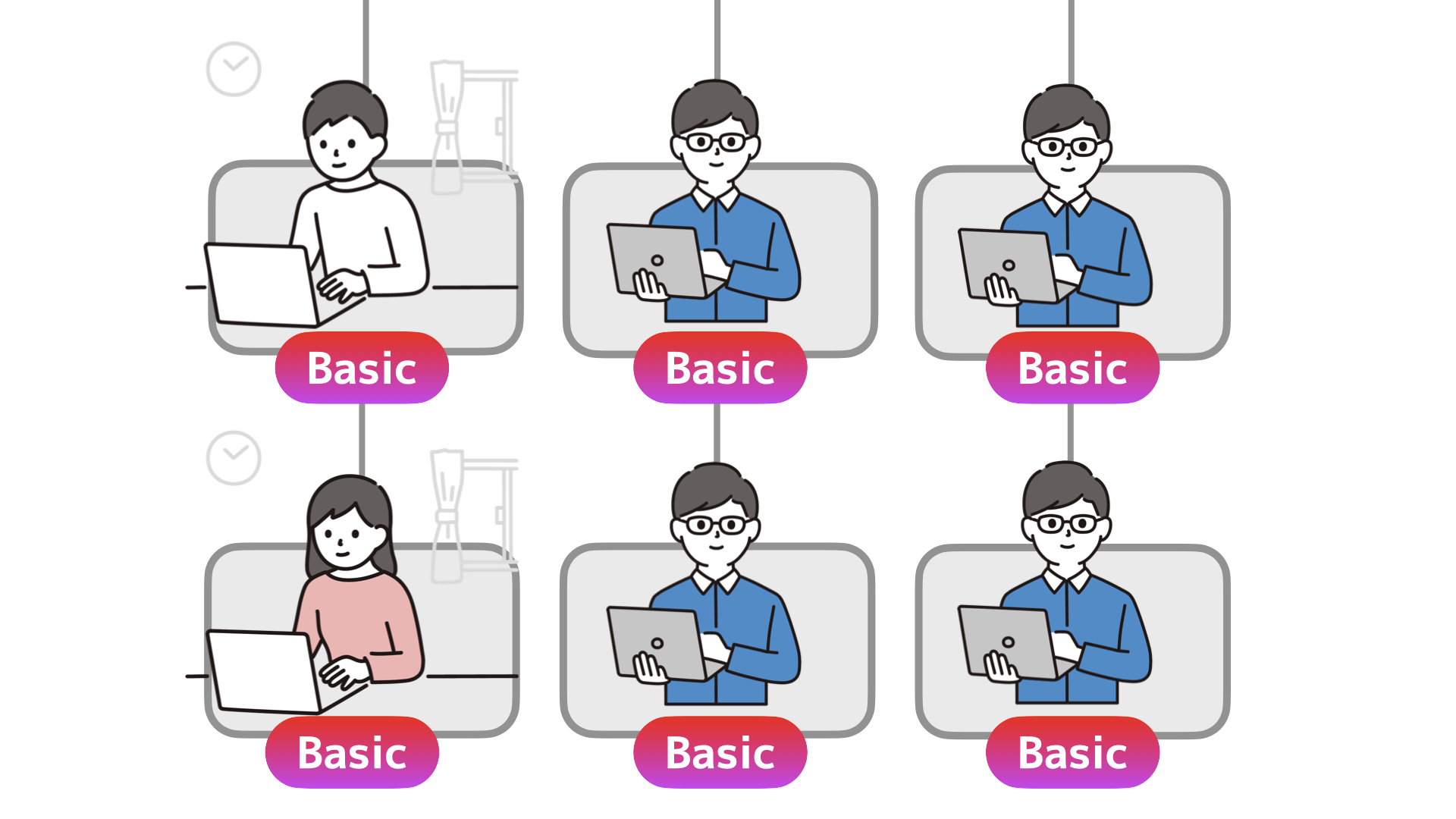
Plan
Position
Qty.
Price/mon.
Premium
Admin
4
51.20
Basic
Full-Time
4
19.20
Basic
Outsource
2
9.60
Free
Part-time
0
0
Total/mon.
80.00 USD
80.00 USD
Examples of how to use shared spaces
"Onefunc Business Center" is simply a function for "setting paid plans."
Schedule sharing etc. will be done in the "Shared Space."
Please see the following page for information on how to use the shared space.