There are three shared ranges that can be set for a shared space.
[1] private
Private is a setting that prevents anyone from viewing the message. It can also be made private temporarily.
[2] Members only
Members Only allows only members to share and view.
Members only
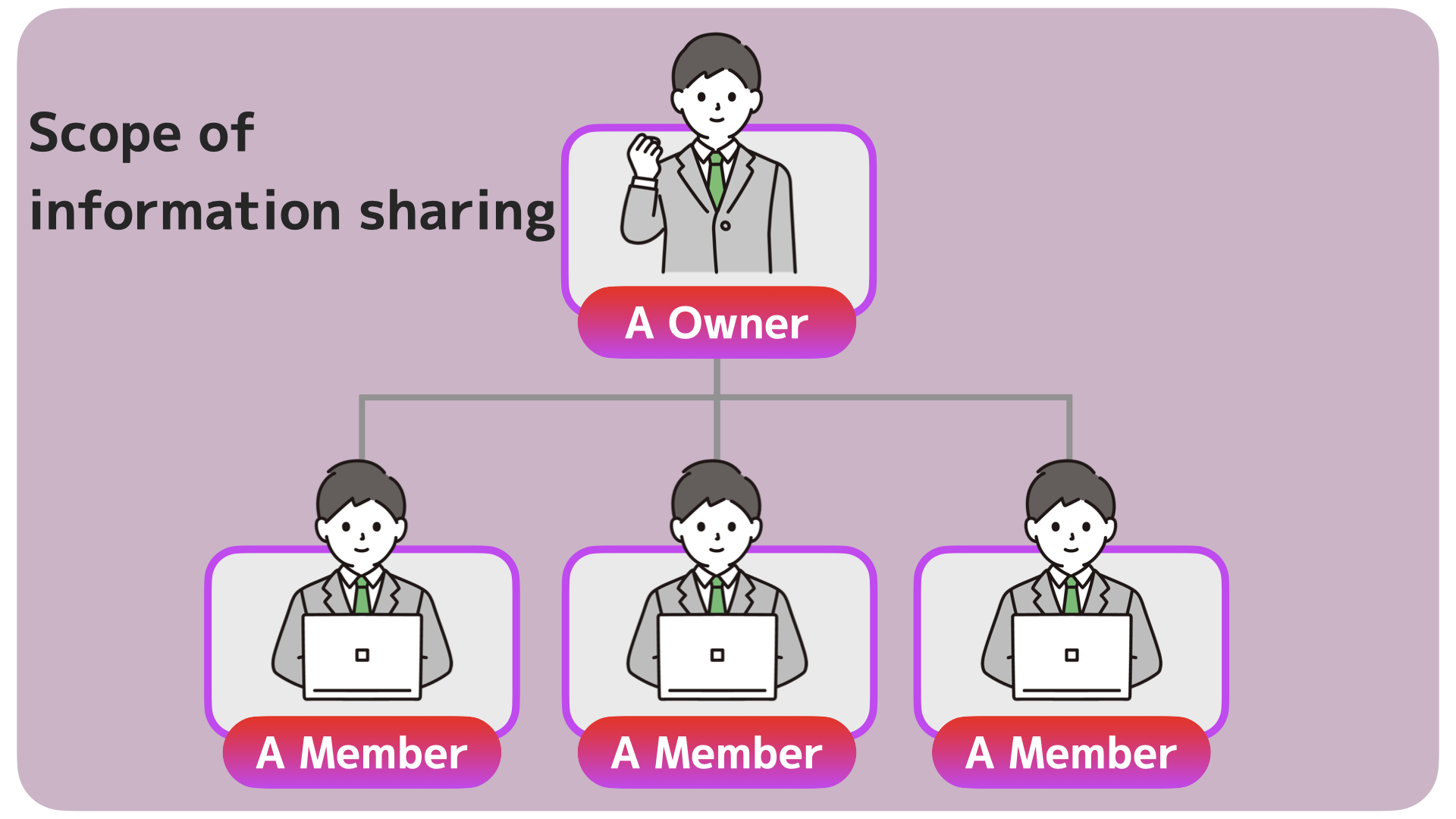
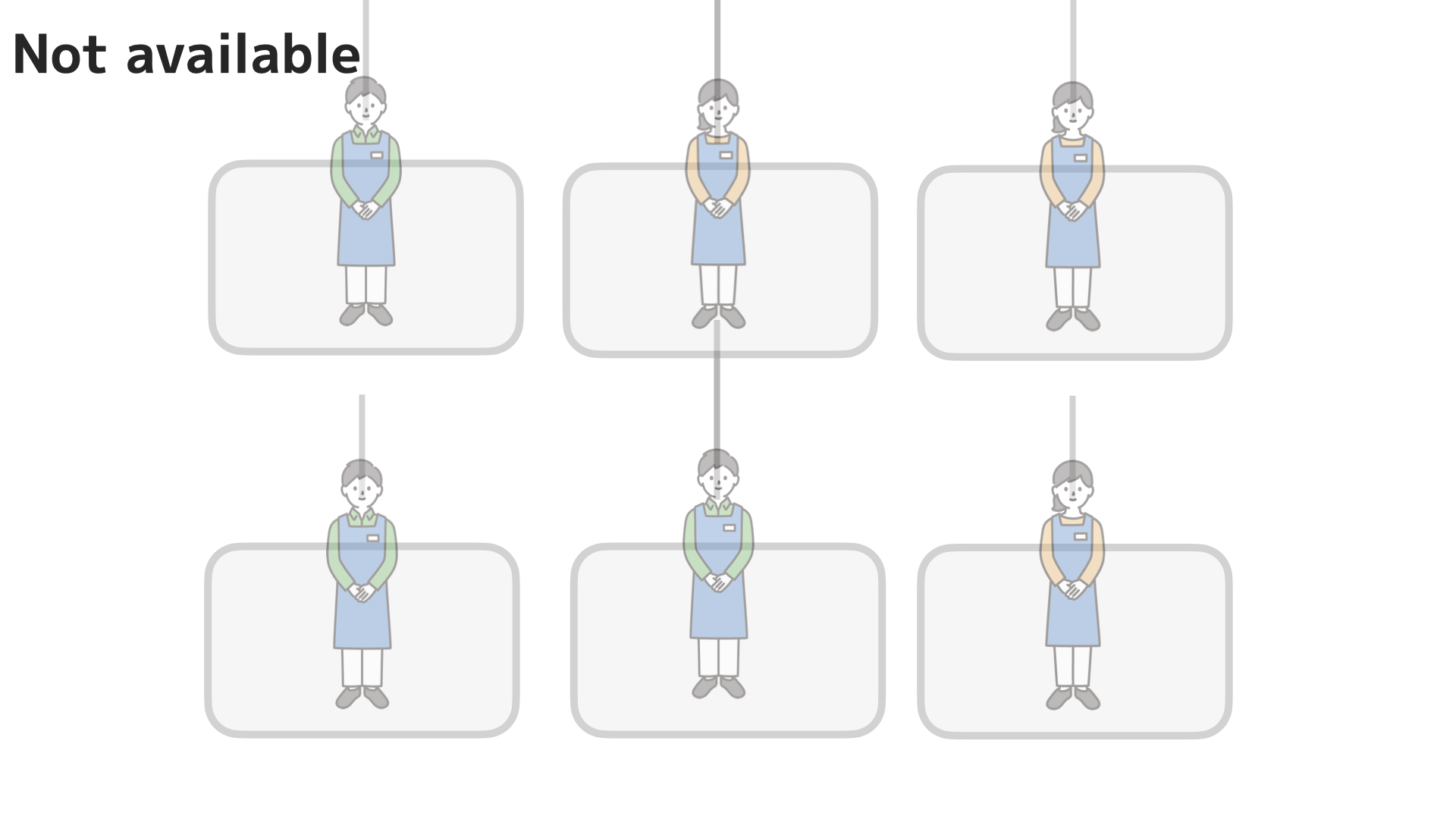
The above example is the simplest. A shared space called A is created to share information.
Members only can be used when you want to share your schedule only with your acquaintances. It is recommended when you want to share only confidential information.
Non-members can neither share nor view it.
★The creator (owner) of a shared space is always a member.
Members only (flexible example 1)
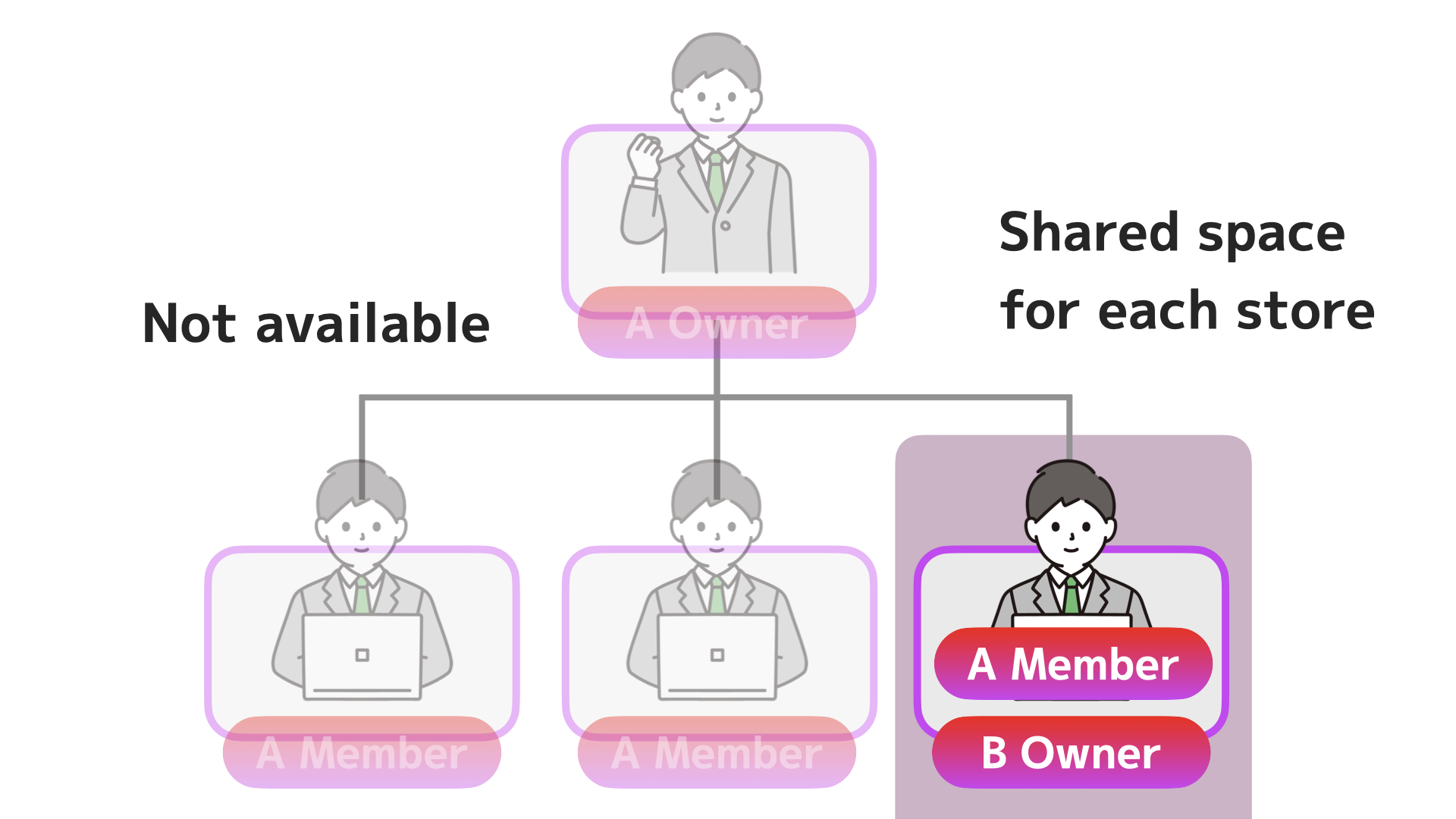
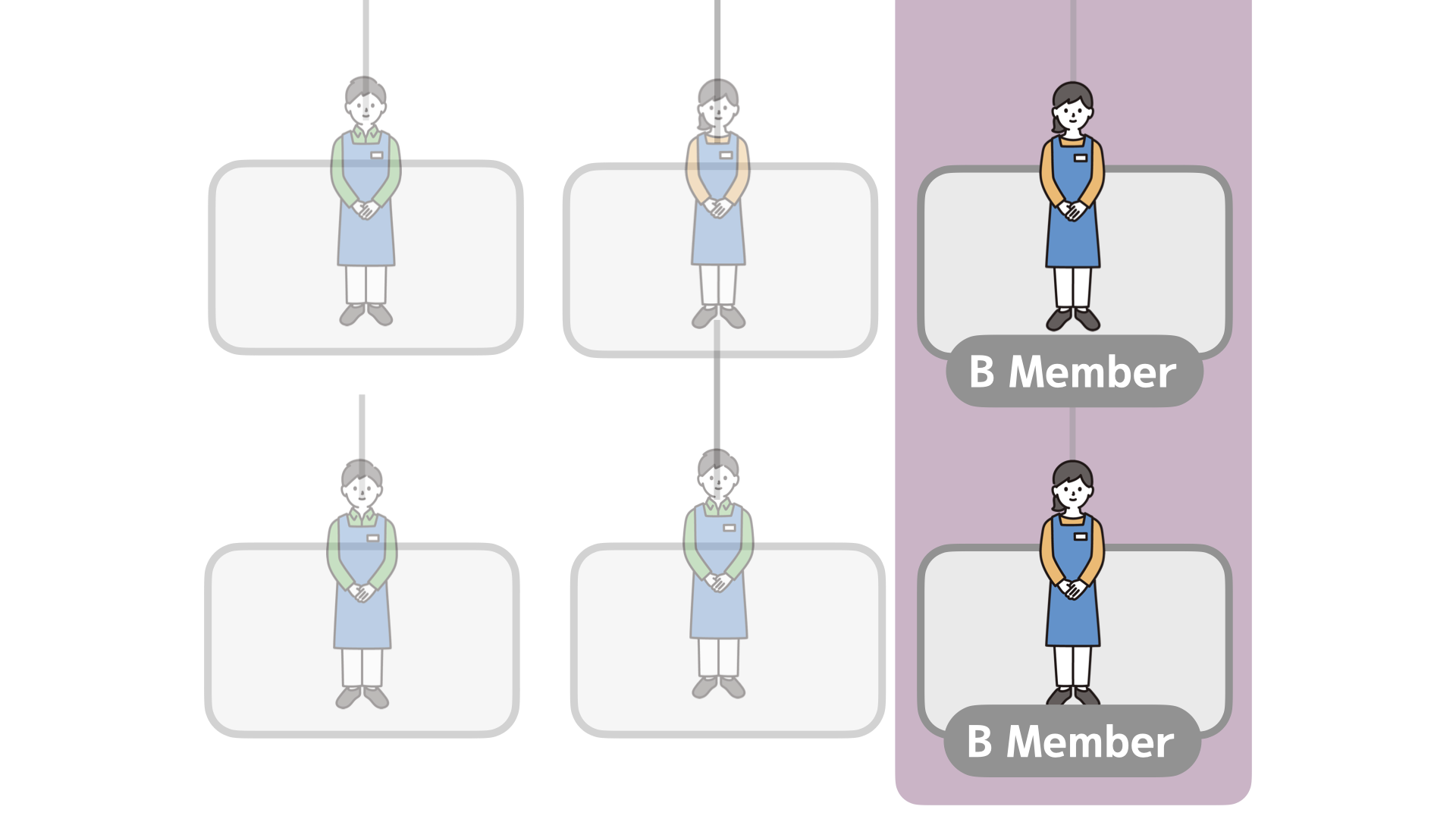
In the above example, the store leader creates a shared space called B and shares information with the store staff.
If you create a shared space for each store, only the staff of that store can share information.
Other store staff cannot view schedules, etc.
Only members know about the existence of shared spaces.
Others cannot see who is creating what shared space.
Members only (flexible example 2)
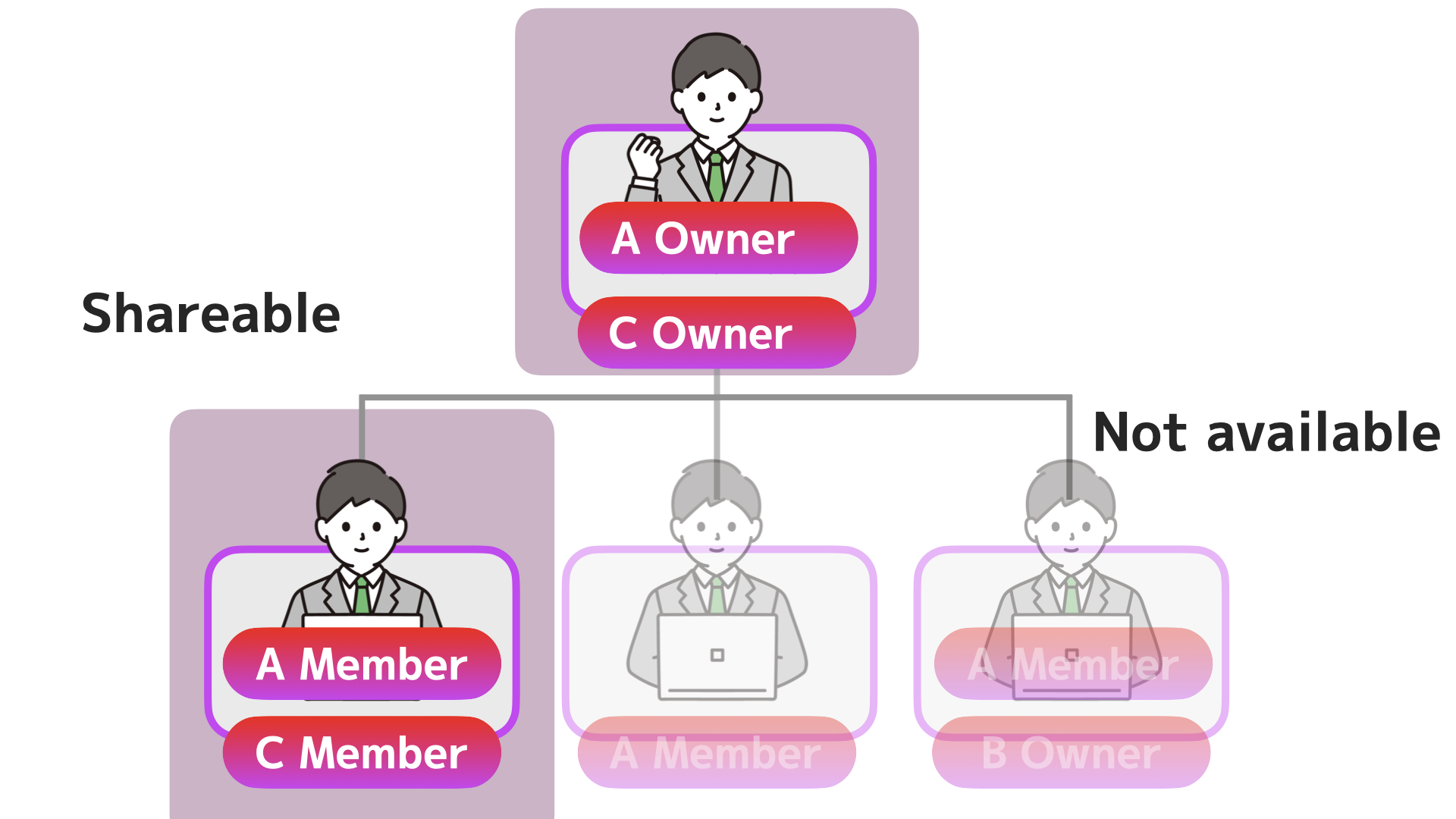
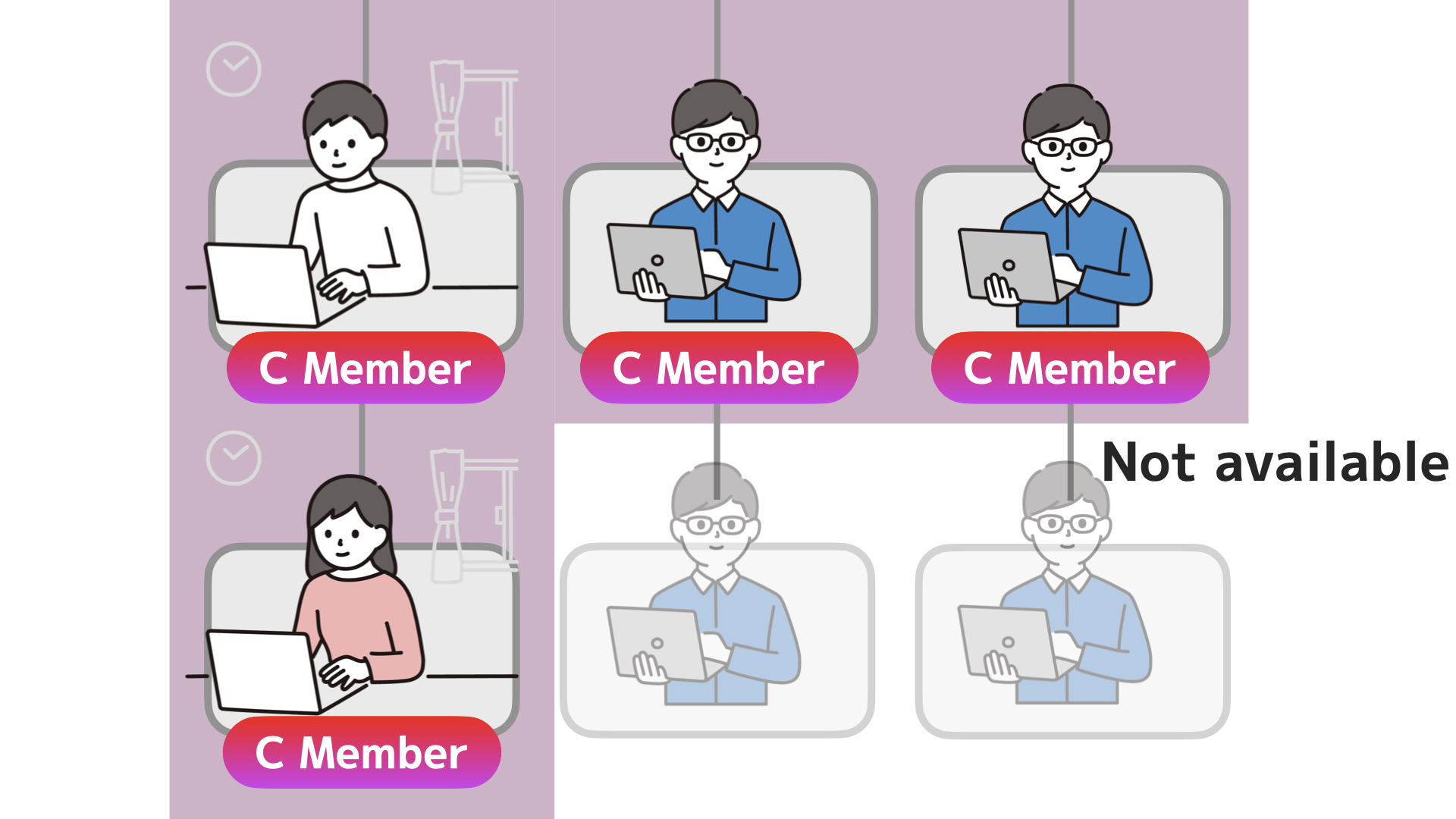
The above example shows a temporary project. It can also accommodate irregular member configurations.
Premium users can freely create multiple shared spaces with up to 33 members. With OnefuncPlan, you can respond immediately to sudden projects.
By making only necessary people members, you can also prevent information leaks.