How to change your payment method
Change payment method
Select the Settings button in the top right corner of the main screen.
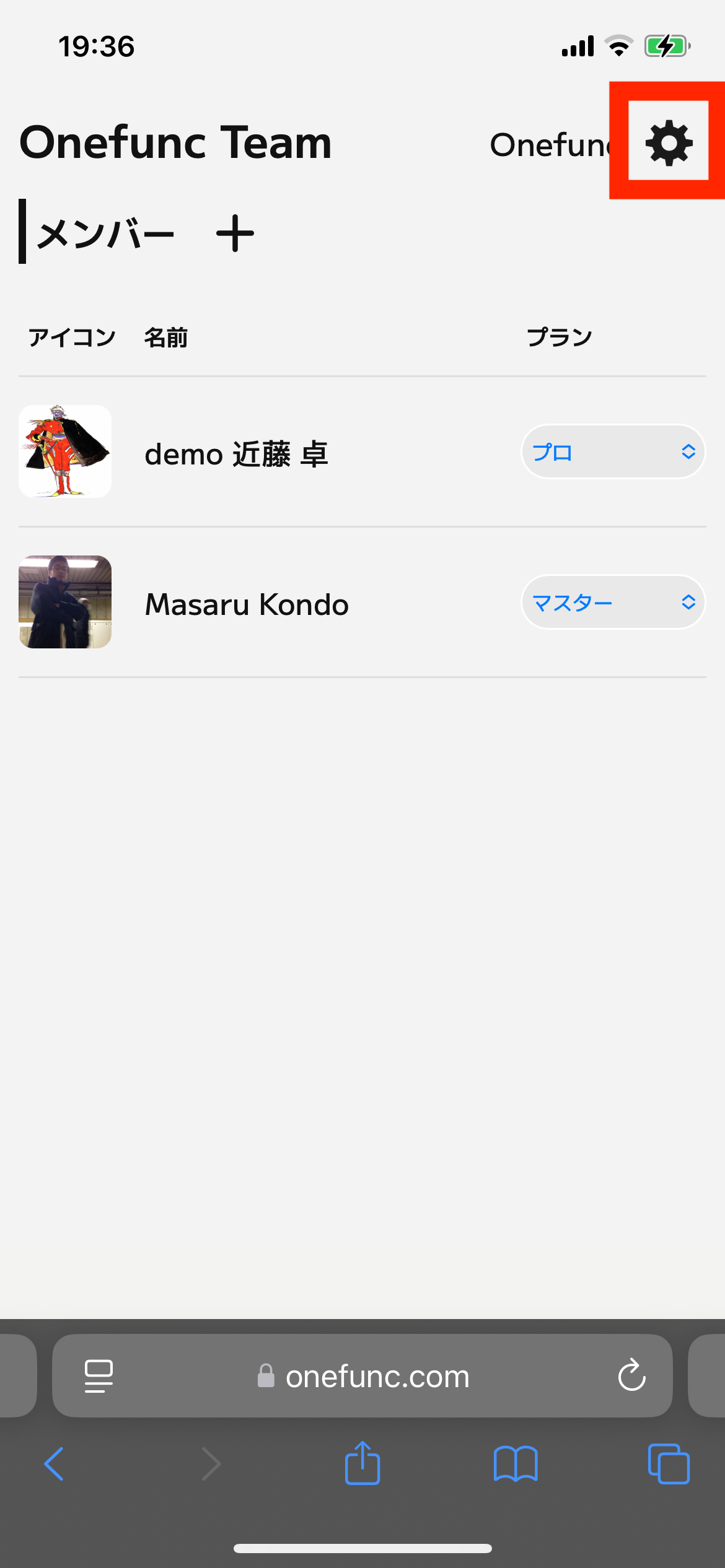
Please select the button below.
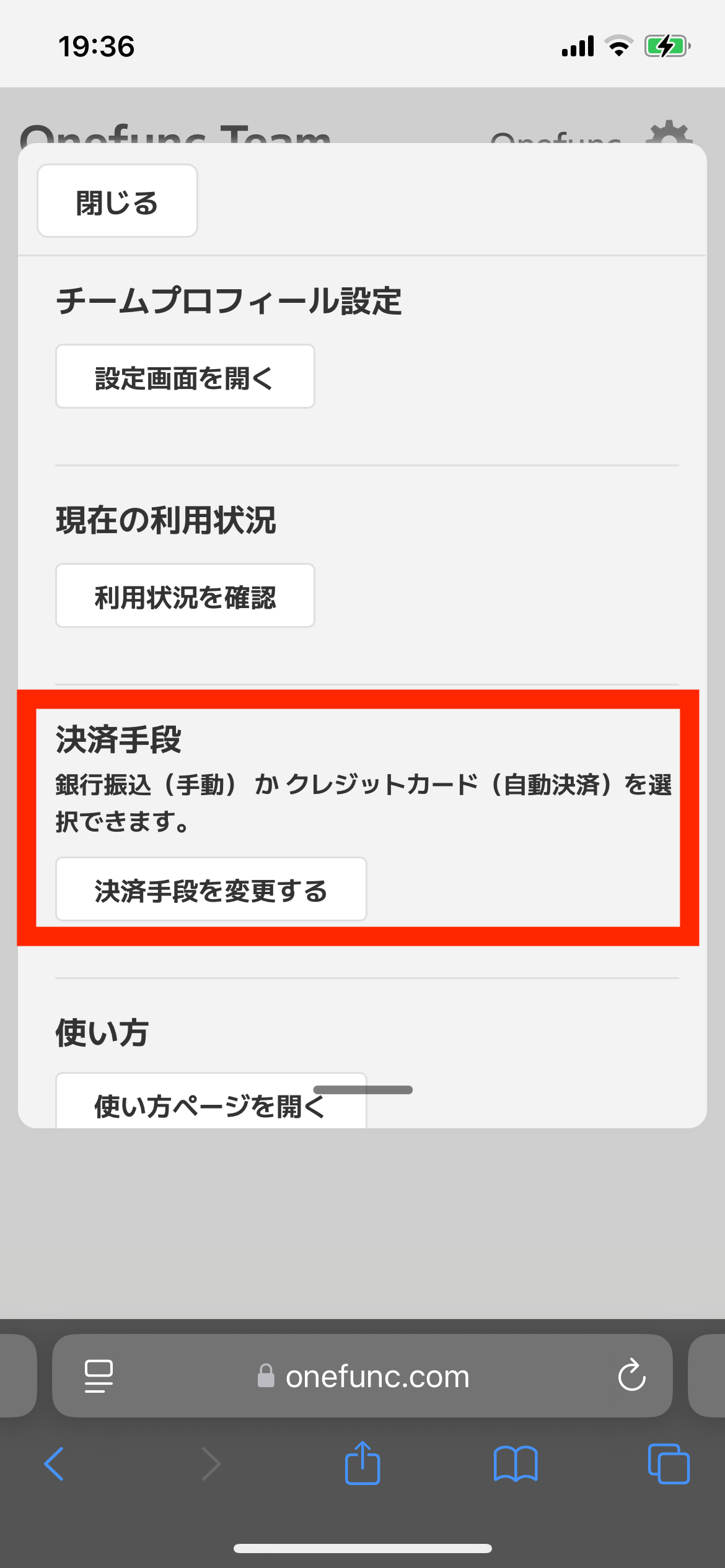
We offer two payment methods
Invoice (Manual Payment)
Payment by invoice is the initial payment method for the Onefunc Business Center. The amount of usage for the previous month is confirmed at the beginning of the month, and an invoice is issued by Stripe based on that amount and sent by email. Please transfer the amount to the bank account listed on the invoice.
Credit card payment (automatic payment)
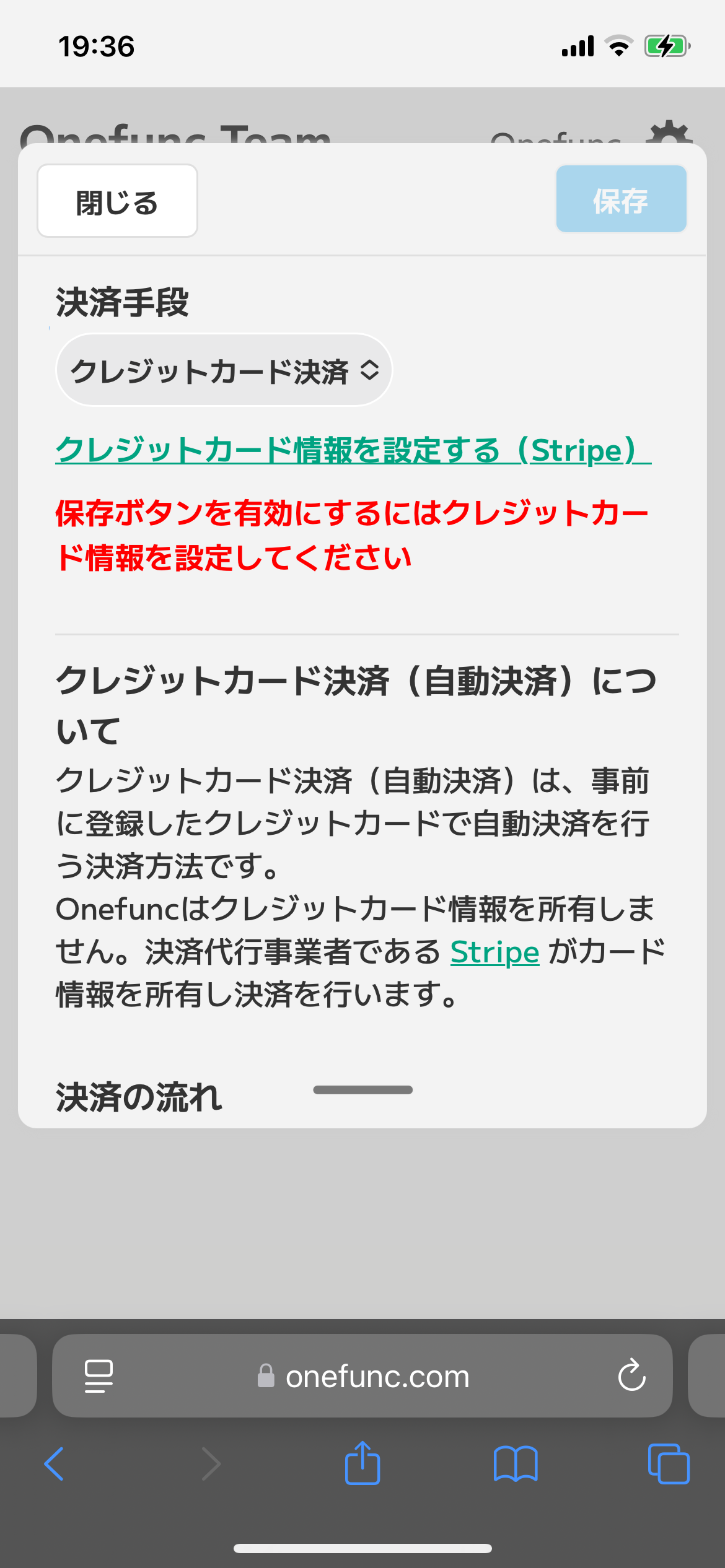
If you pay by credit card, the previous month's usage amount will be confirmed at the beginning of the month and payment will be automatically made to your credit card.
Credit card information is owned by Stripe, not Onefunc, and payments are made. To register a credit card, select "Register credit card information" on the screen shown in the image below to be taken to Stripe's customer portal where you can register your credit card.
You will need an email address to log in to Stripe's customer portal, but you can log in with the email address registered to Onefunc. There is no password.