How to share event
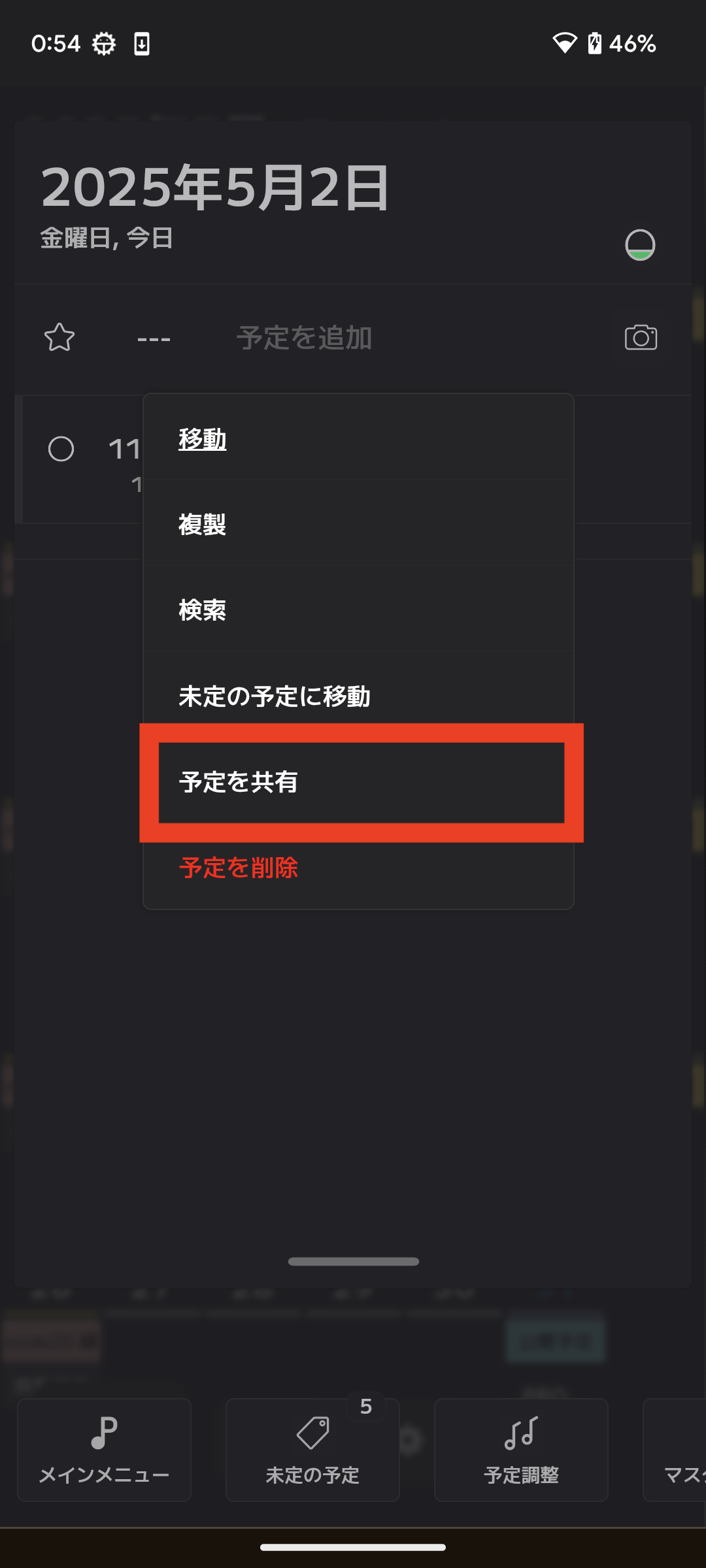
[1] Share
Select "Share" from the event menu on the main screen.
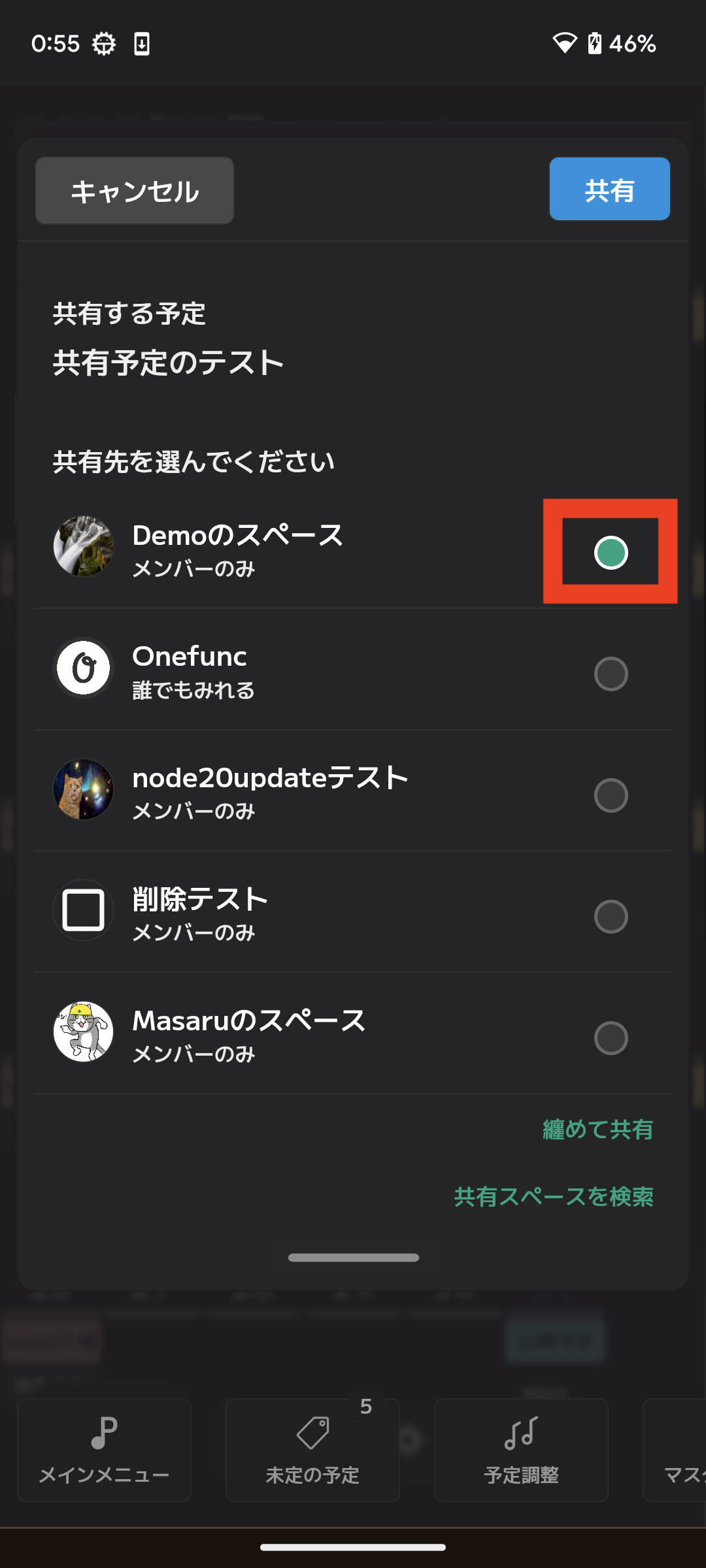
Simply select the shared space you want to share and you're ready to share.
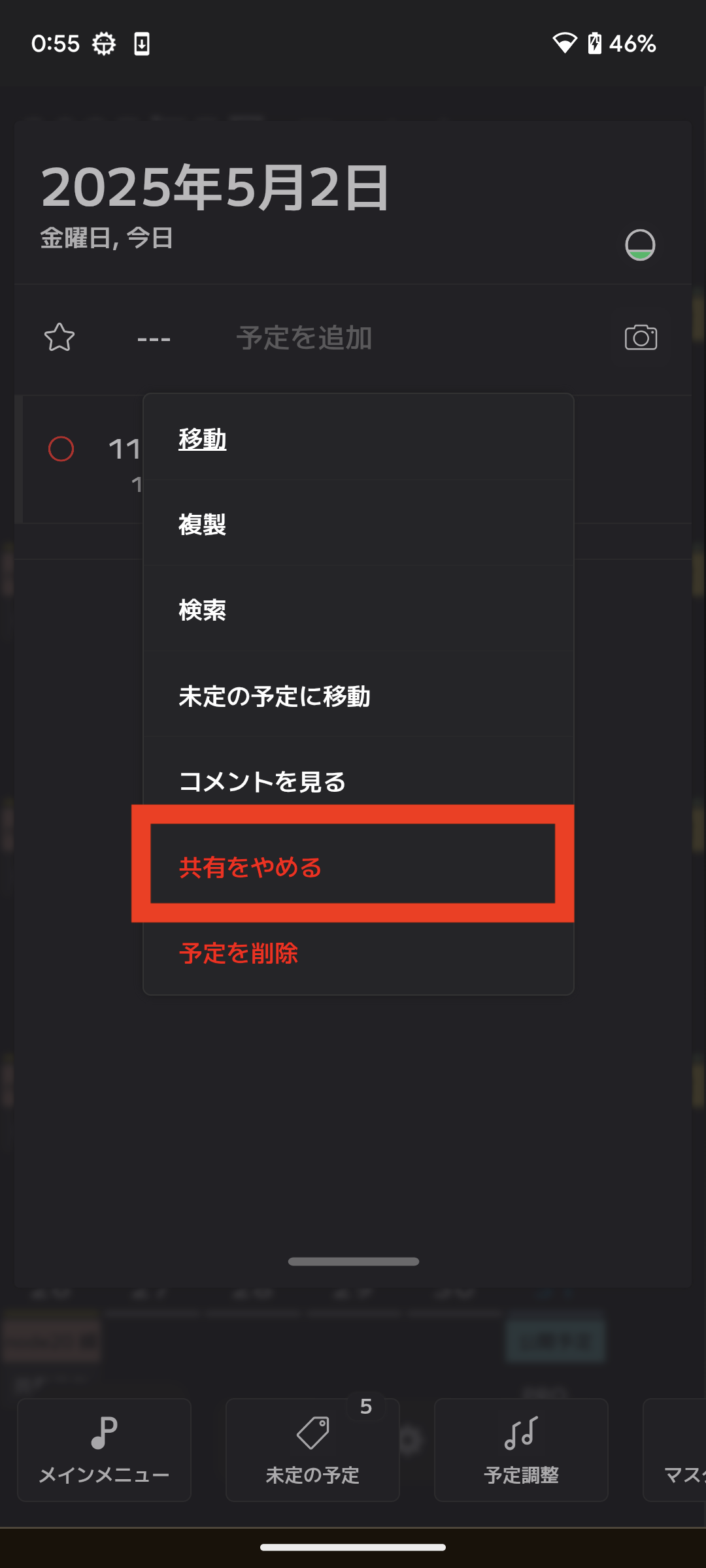
[1] Stop Sharing
Select "Stop sharing" from the event menu on the main screen.
If you can't share your events
[1] Profile
If you have not set up a profile, you will not be able to share your schedule. A profile is automatically created when you install the app. If you have not created a profile, there is an item to create one in [Various Settings]. Select that item and create it.
[2] Shared Space
Schedule sharing is done through a shared space. If a shared space does not exist, you cannot share. When you install the app, your shared space is automatically created. If it does not exist, you can create one from the following screen.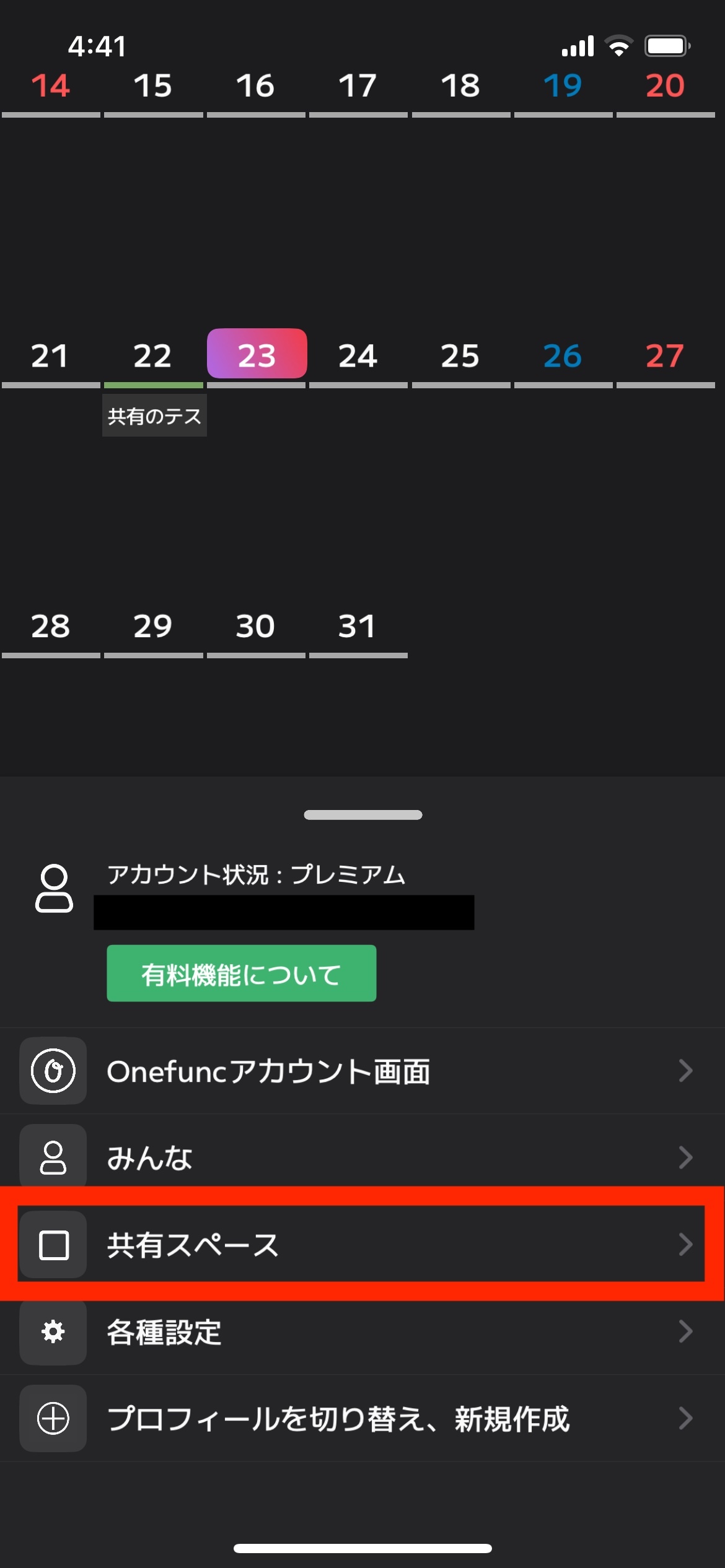
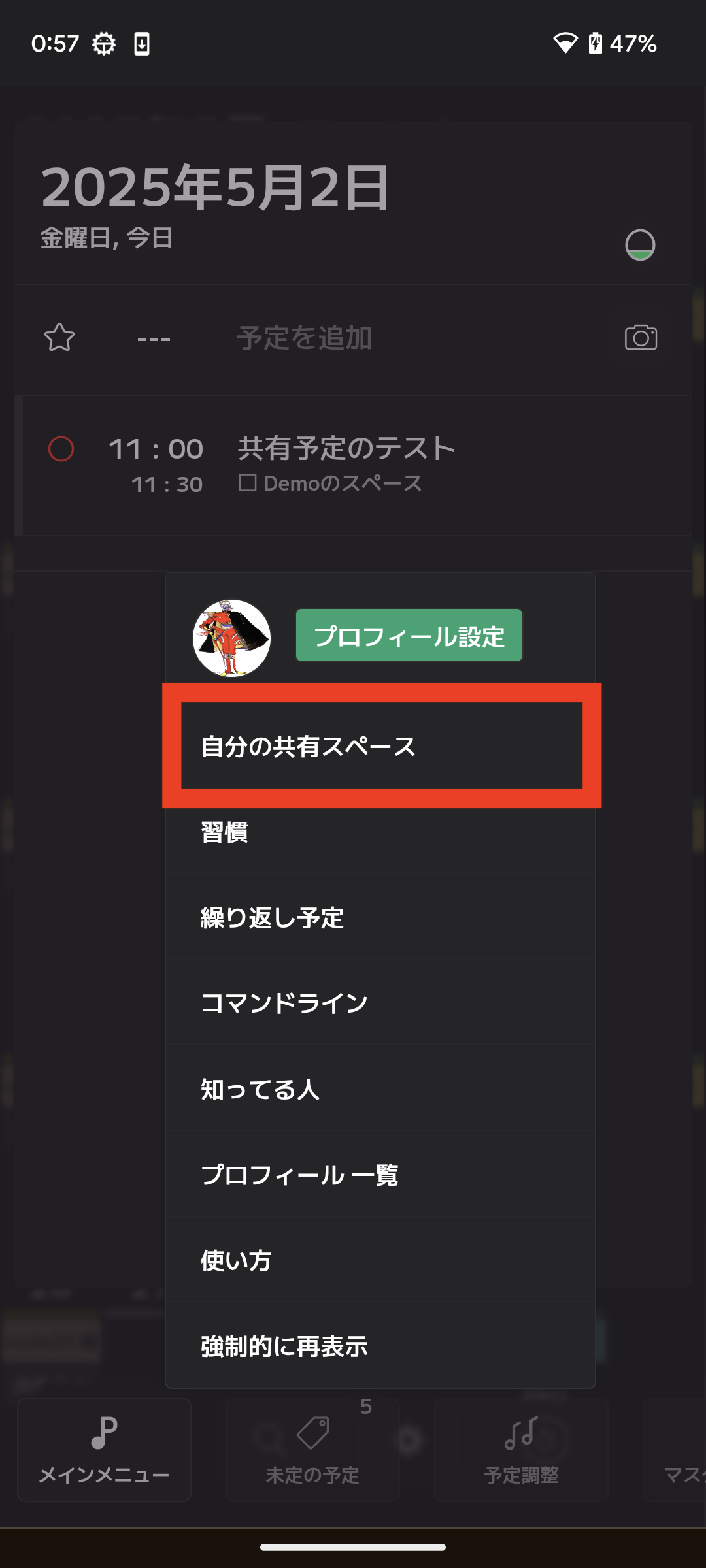
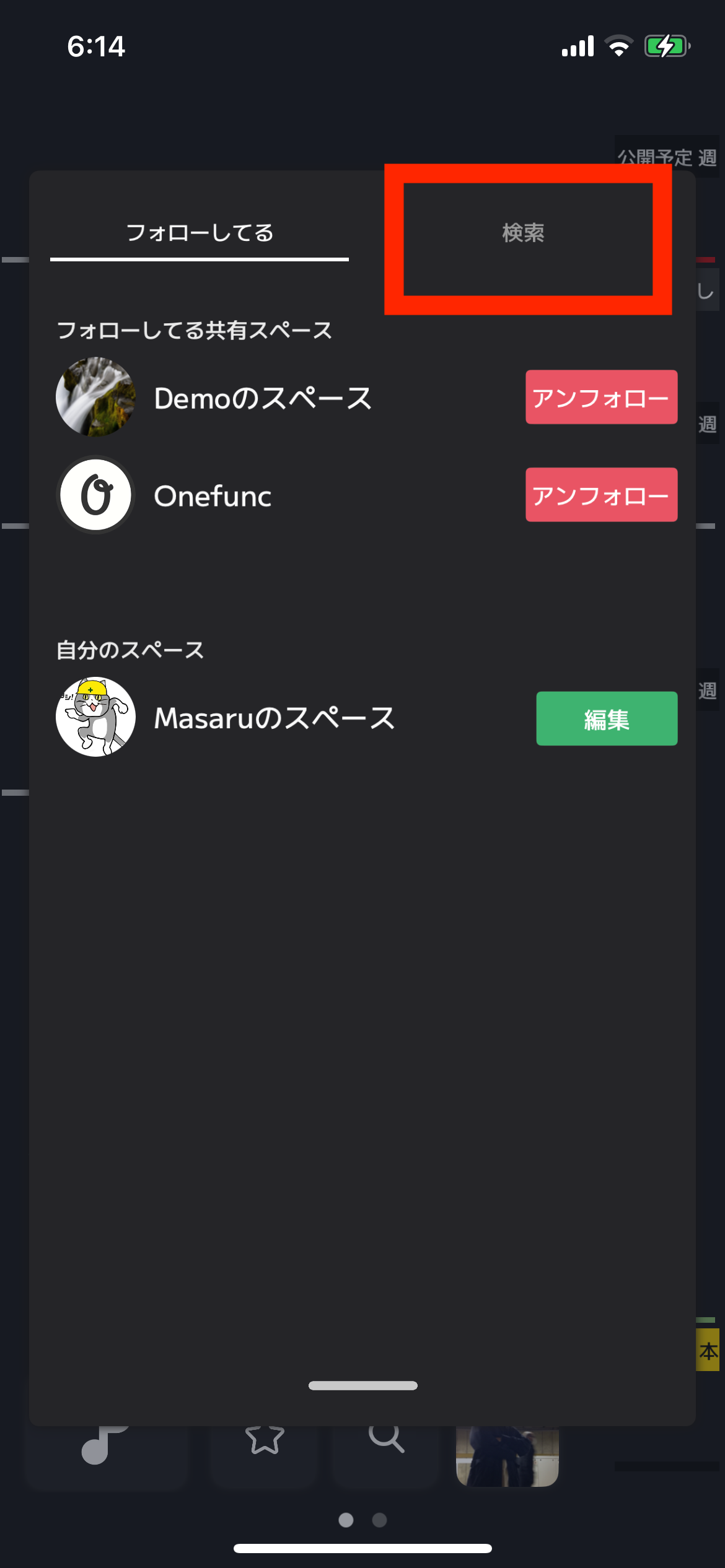
Or you need to follow other people's shared spaces. You can see a list of shared spaces you are following in the image below.
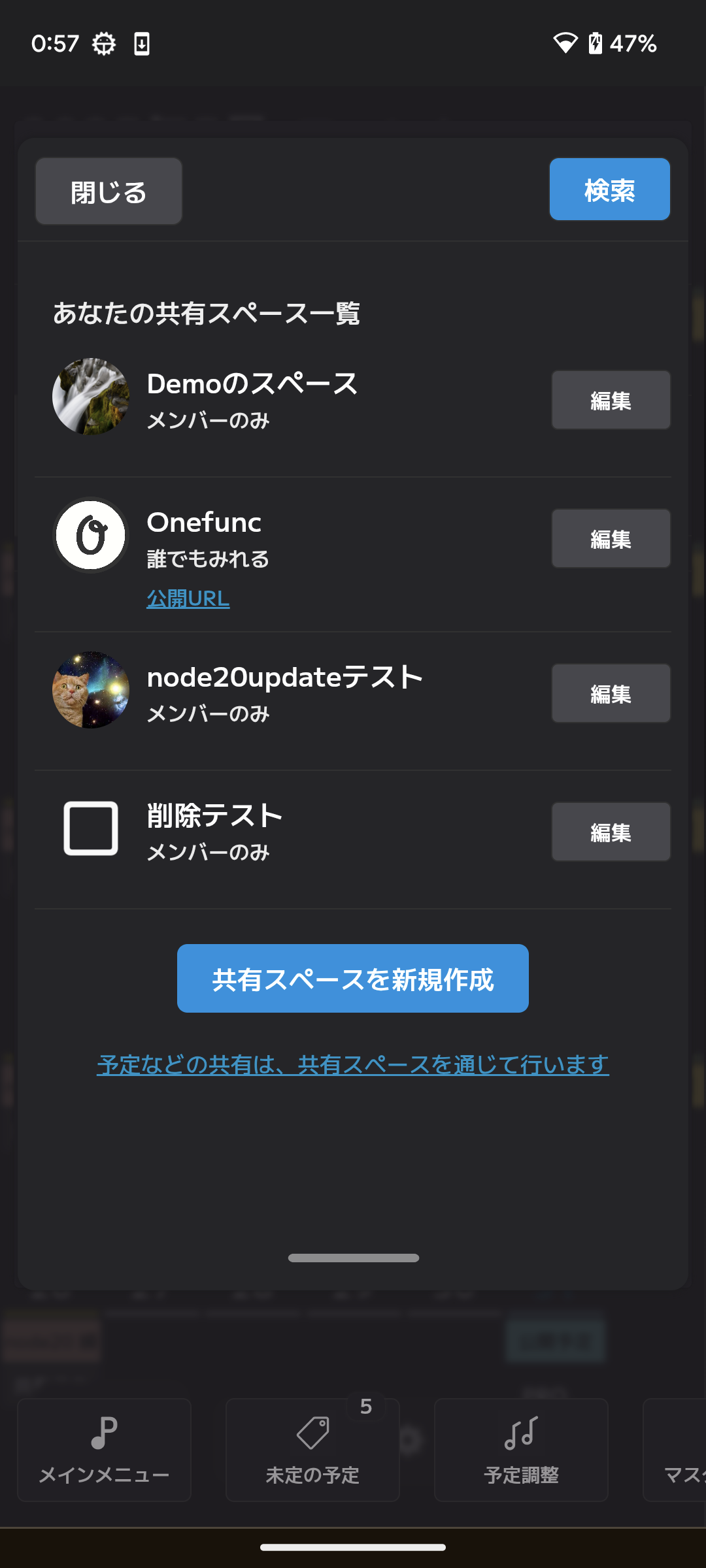
The shared spaces you are following will be displayed in the following screen. If they are not displayed, select the Search tab and search for the shared space.