Designing data for OnefuncPlan
Basic design of OnefuncPlan
OnefuncPlan is designed to work on a standalone device.
For example, even if the Onefunc server is not running or you are not connected to the Internet, it will work on your device, such as an iPhone, Android, or Windows.
And if there are any data updates on the device, they will be backed up to the Onefunc server each time.
Backup data location
There are two places where the backups are stored:
1. Onefunc server
2. On the device you are using
Onefunc server
How to check the backup of Onefunc server
*To backup Onefunc server, you must be "registered with Onefunc, created an account and logged in"
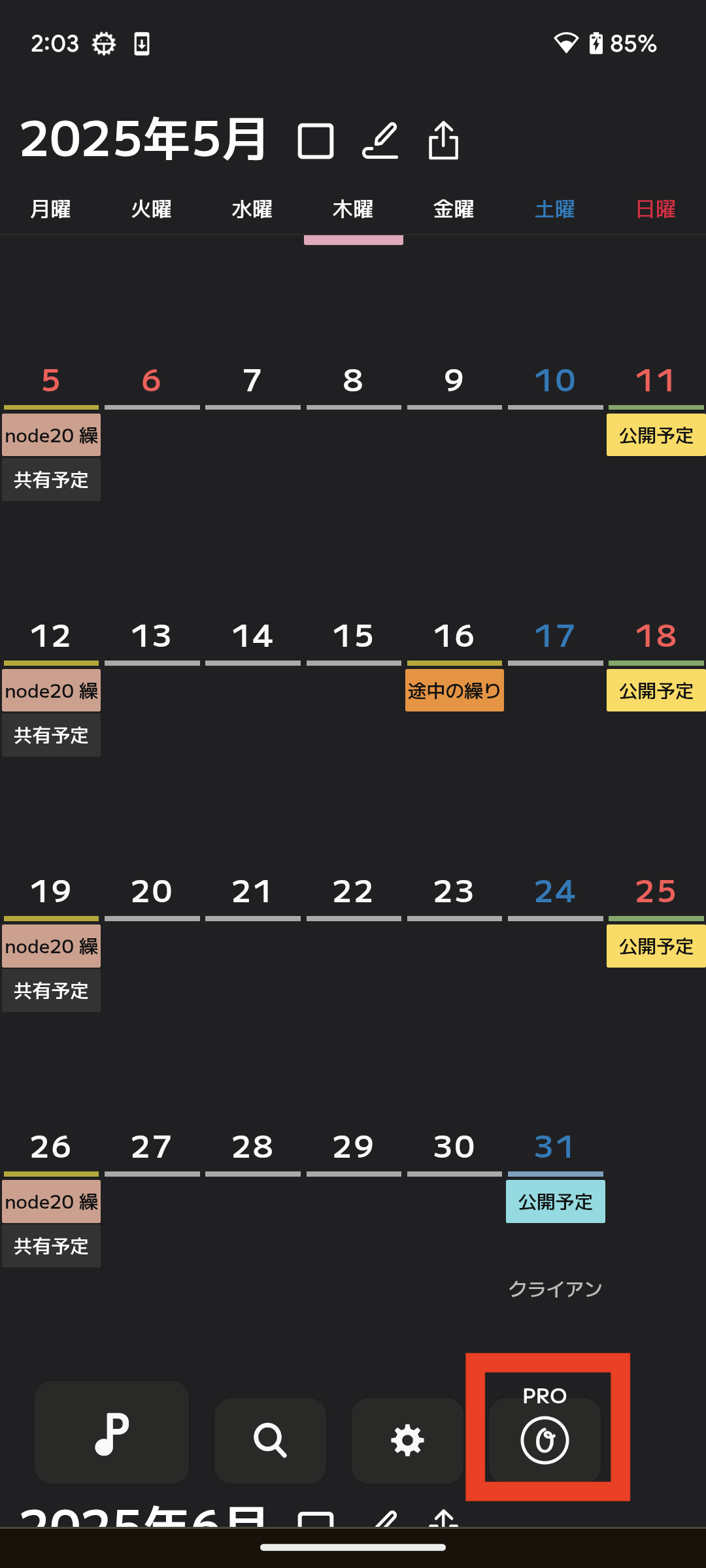
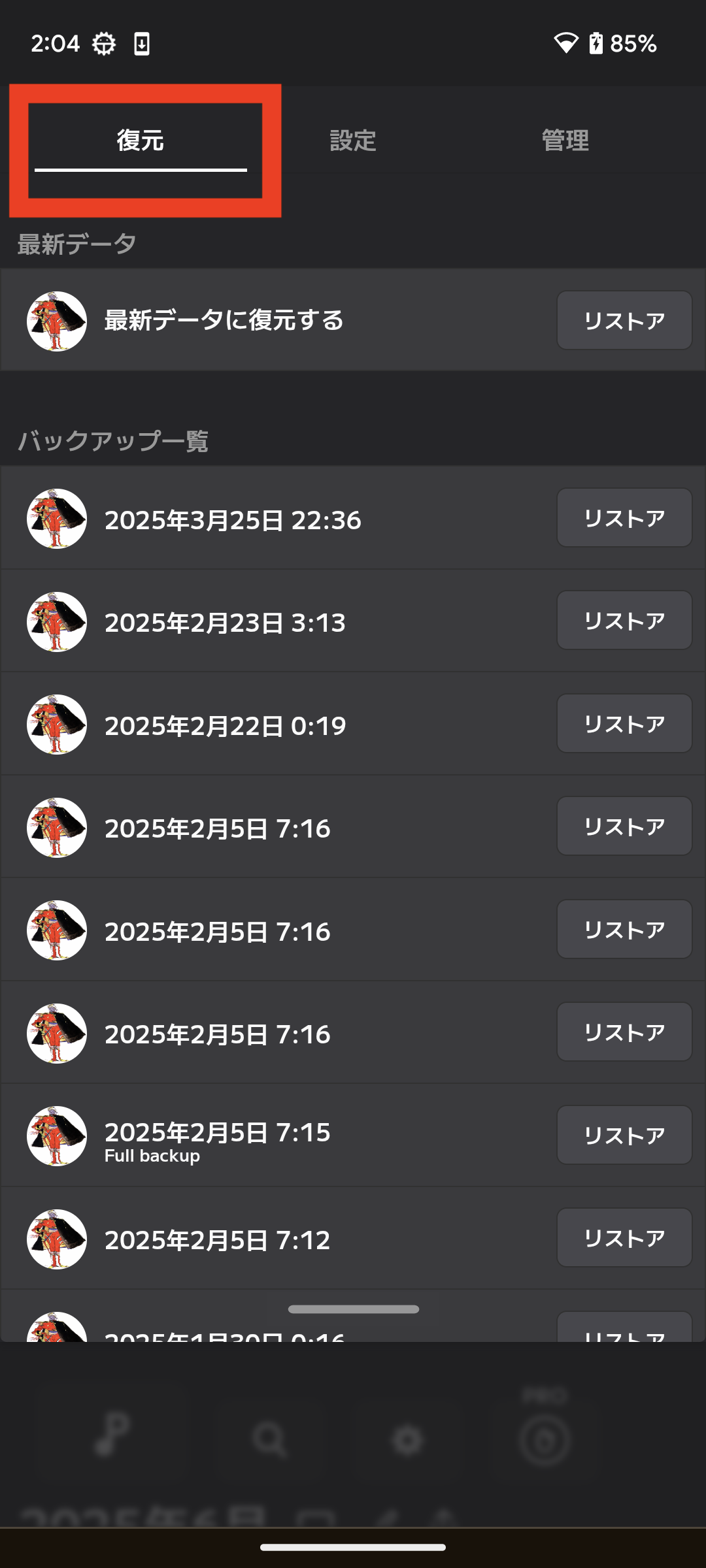
On the device you are using
How to check the backup on your device
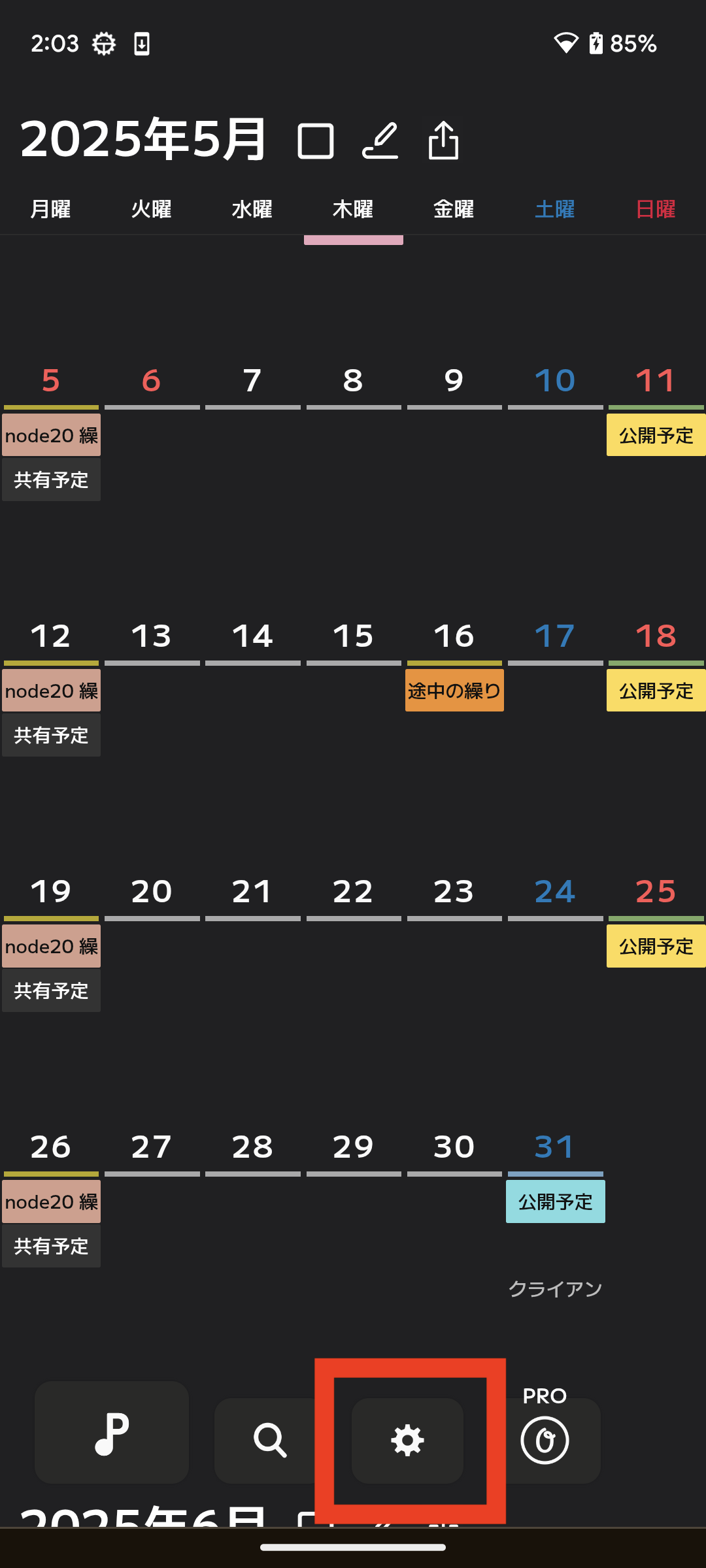
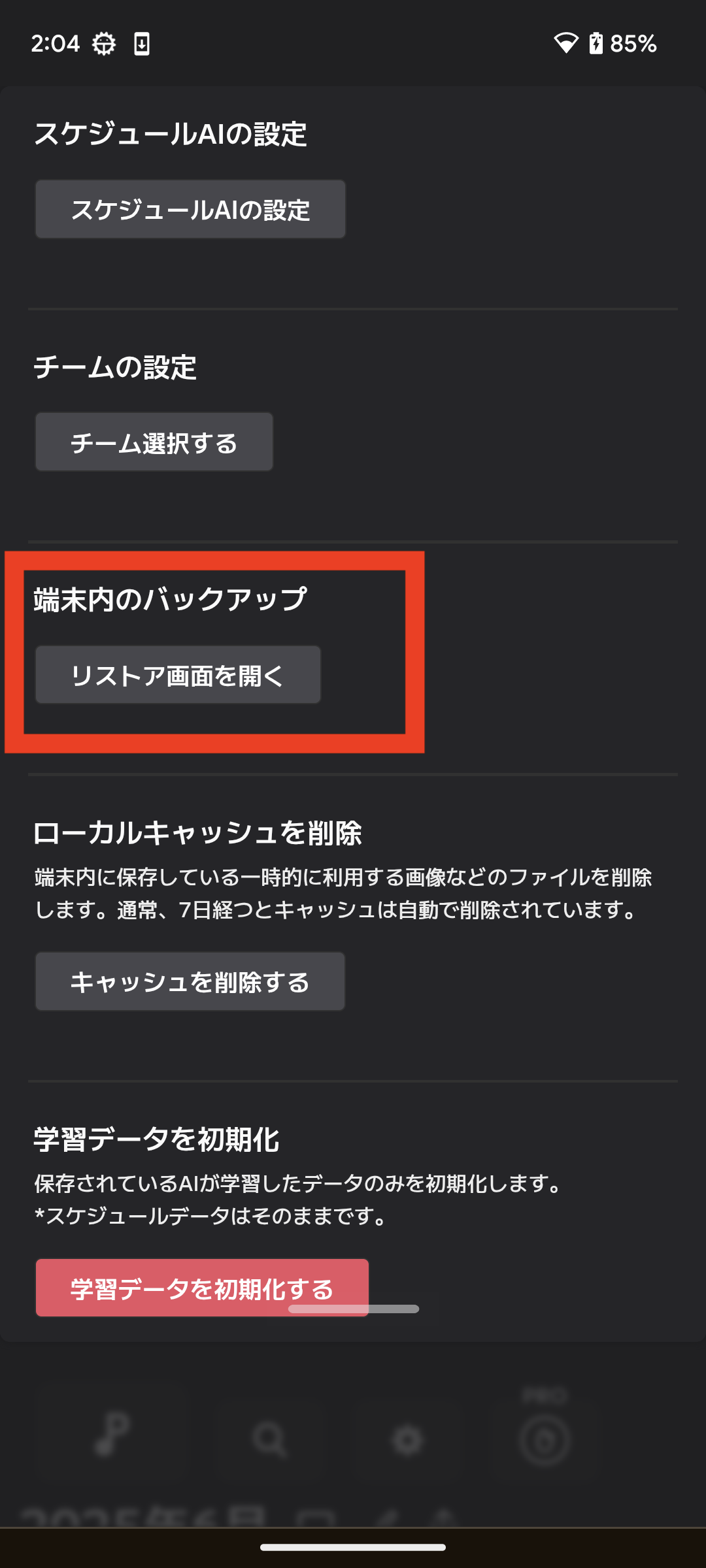
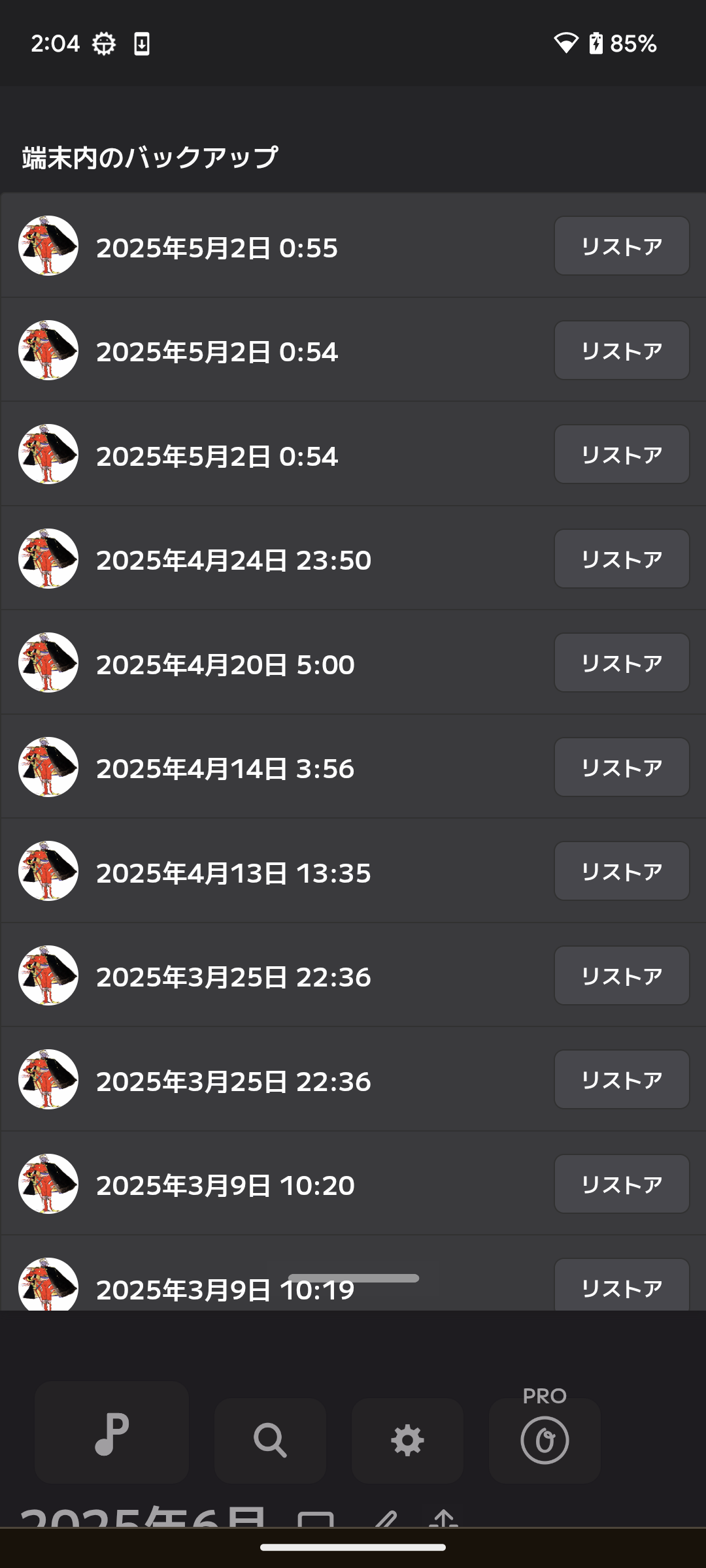
Backup Types
Latest Backup
The latest backup covers the range of "from the 1st of last month to one year in the future."
Full Backup
A full backup backs up all data.
Generation management
1. Onefunc server (latest backup is 10 generations, full backup is 1 generation)
2. Inside the device in use (full backup 50 generations)
★Backup data is created for each profile.
If you are using multiple profiles on one device, only the profile currently in use will be backed up. If you want to back up multiple profiles, you will need to switch profiles. (This is the current design. This may change in the future.)
Timing of backup
Latest Backup
The Latest Backup will be executed when a change is made to the data or when you select the backup button.
Full Backup
A full backup is performed "when you launch OnefuncPlan for the first time at the beginning of the month" or "when you select the backup button yourself."
Configuring Backups
Automatic backup or manual backup
The automatic backups must be configured as follows:
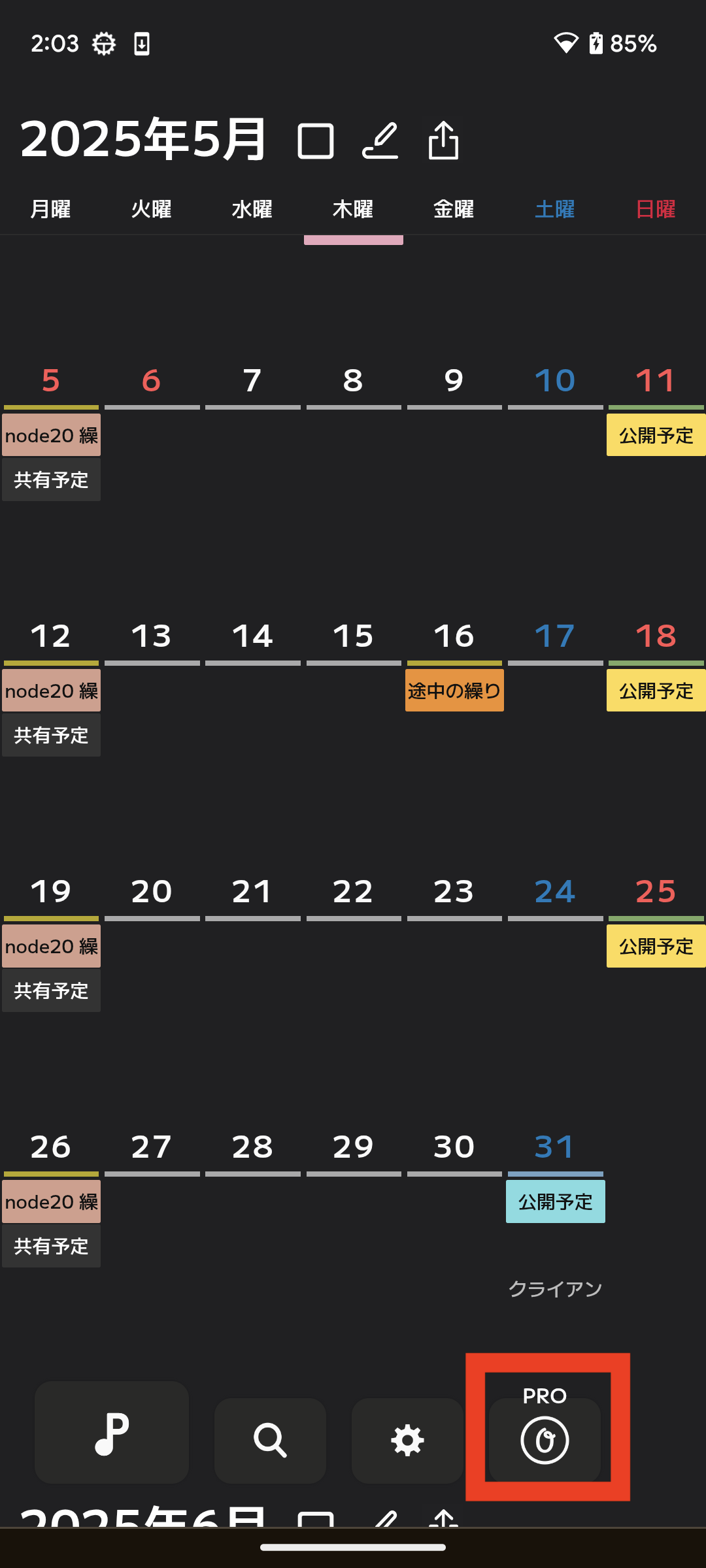
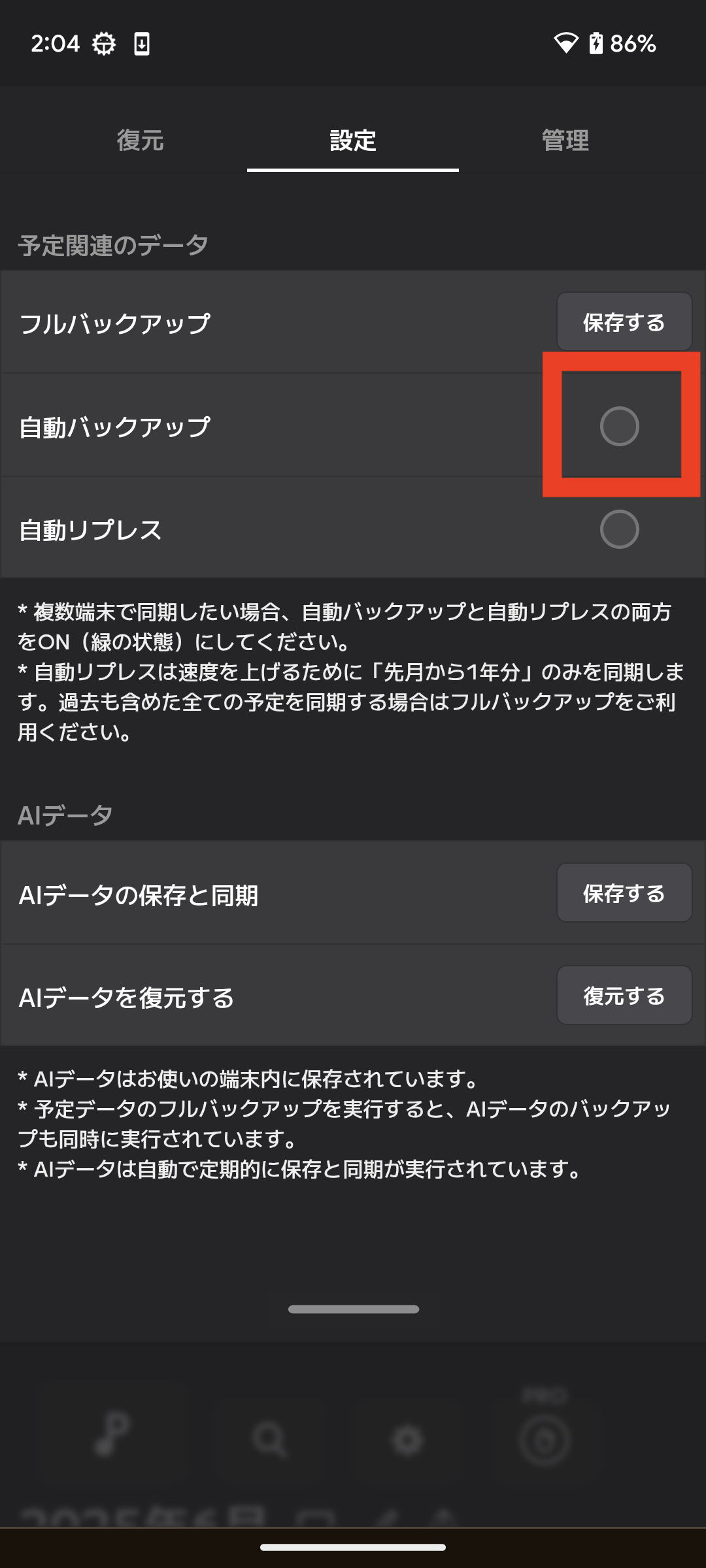
How to back up at any time
Selecting the button on the screen below will perform both a "full backup" and a "latest backup".
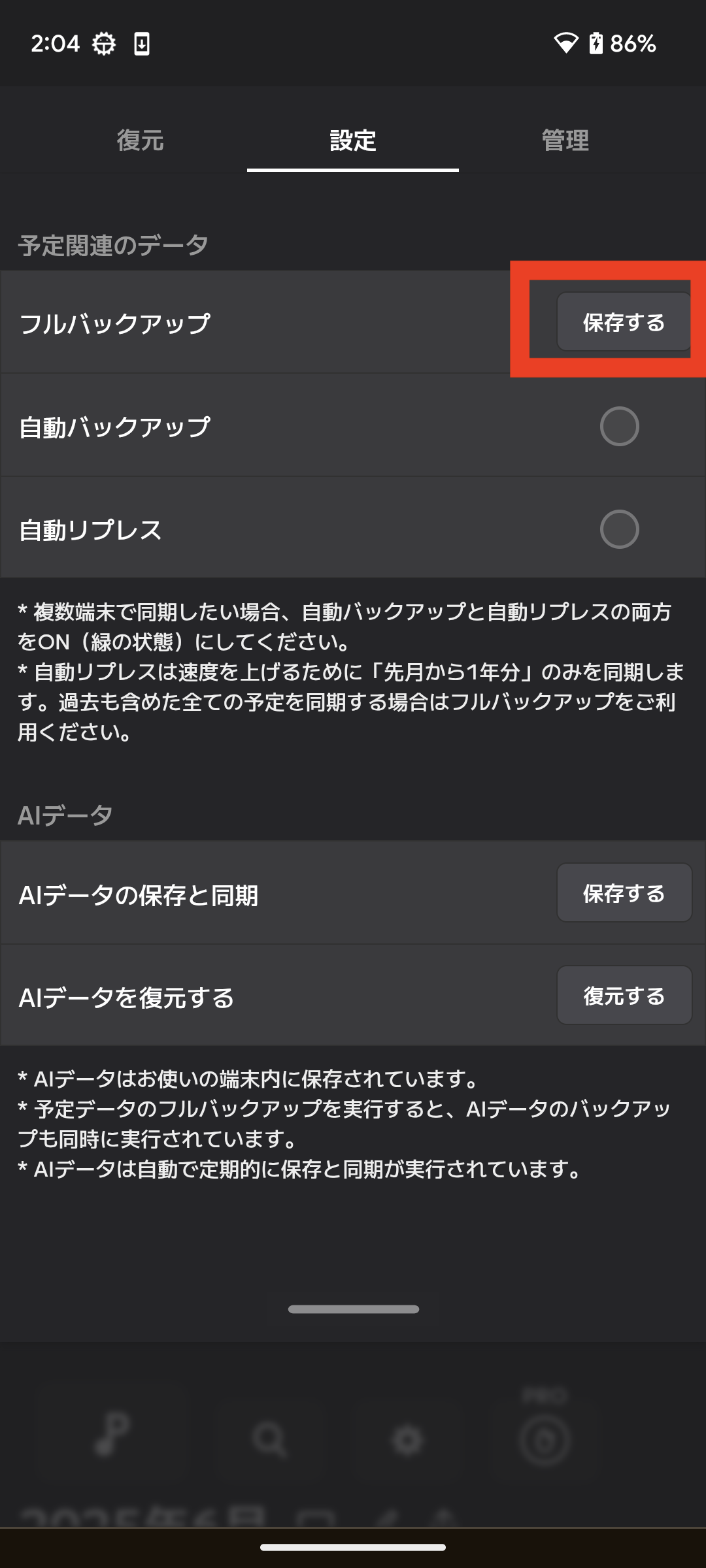
What gets backed up
Schedule Data
*The backup range differs between the latest backup and the full backup.
Profile Related Data
* The backup range is "data at the time of backup".
* Repeating events, habits, TBD, masterpieces (procedures), favorite events, event color rules, default period and first day of the week settings, etc.