Set up a plan for members
After adding users, you can set the plan.
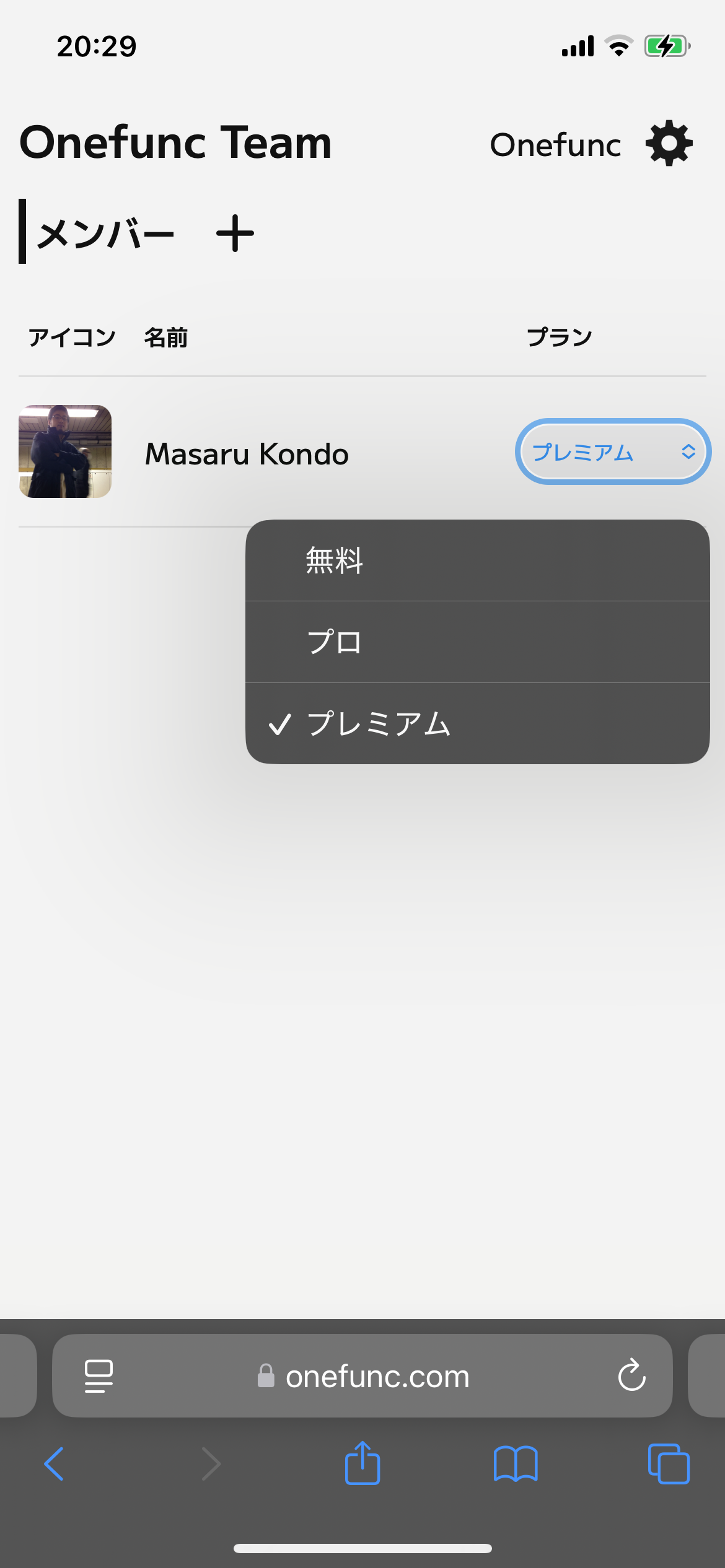
Plans and billing structure
How usage is calculated
The number of users is defined as the number of team members who have joined the team and activated the application.
Only members who are assigned to a paid plan by the owner (you) and have launched the app are counted as usage.
Members who have not launched the app will not be counted, even if they are part of a team.
Usage is calculated on a monthly basis. The usage count is always reset to 0 at the beginning of each month.
Usage counts reset at 00:00:00 UTC on the first day of each month.
Usage is calculated per user–plan combination.
For example, if a member is first counted under the Basic plan, and the owner later changes that member’s plan to Premium and the member uses the app again, the usage will be counted once for each plan.
When changing a member’s plan, please be careful about the timing. For example, changing the plan at the beginning of the month (when usage is 0) can help reduce usage counts.
Regarding the amount charged
The final amount charged is calculated by multiplying the total usage by the fee for each plan.
If you are eligible for coupons or free benefits, the value of those benefits will be reflected in the final billed amount.
For example, if the Basic plan usage for the month is 13 users (13 × 4.80 USD = 62.40 USD), but the customer receives free benefits covering the full amount, no charge will be applied.
If the final amount is 0 USD, no invoice will be issued.
Method of Payment
Onefunc processes payments through Stripe. If you register your credit card on the Stripe customer portal, payments will be completed automatically. This is the recommended payment method.
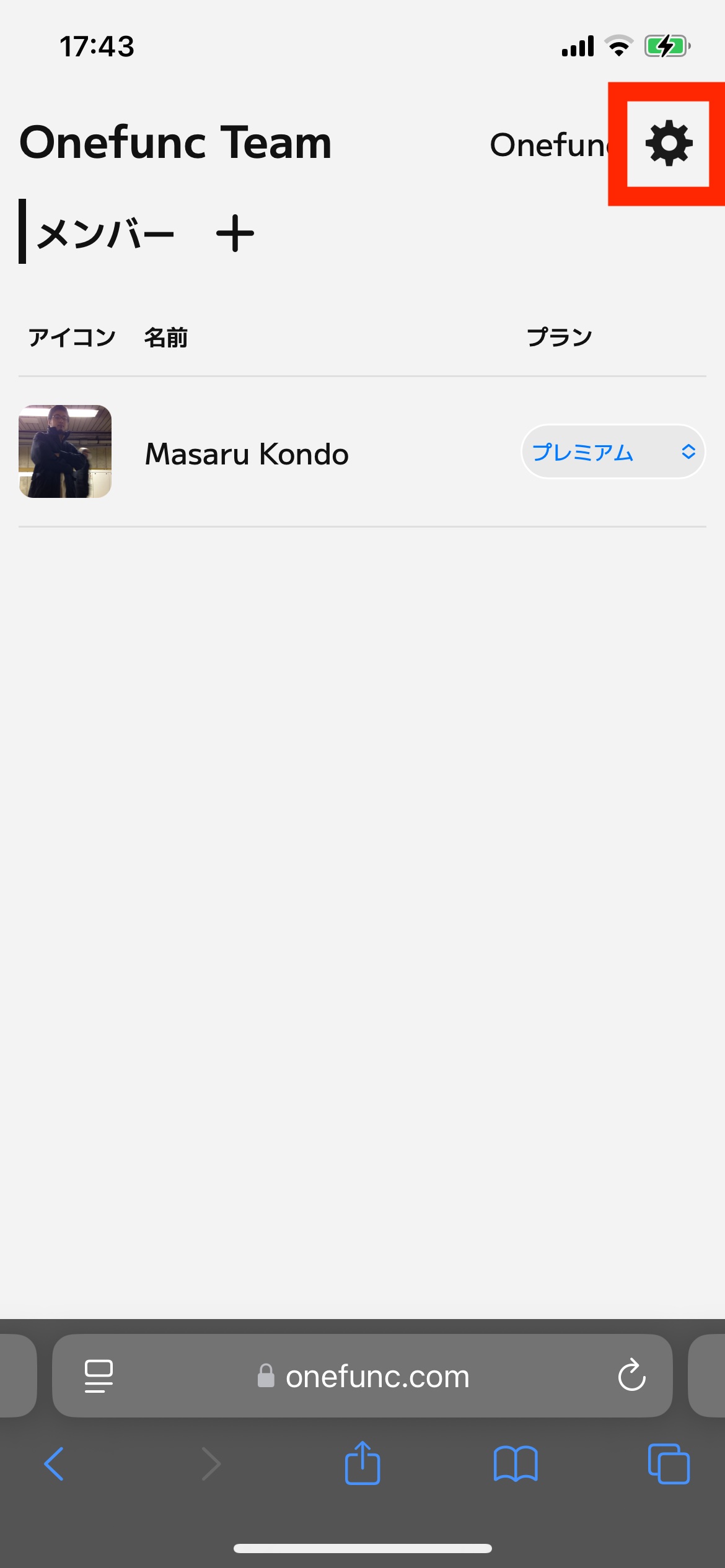
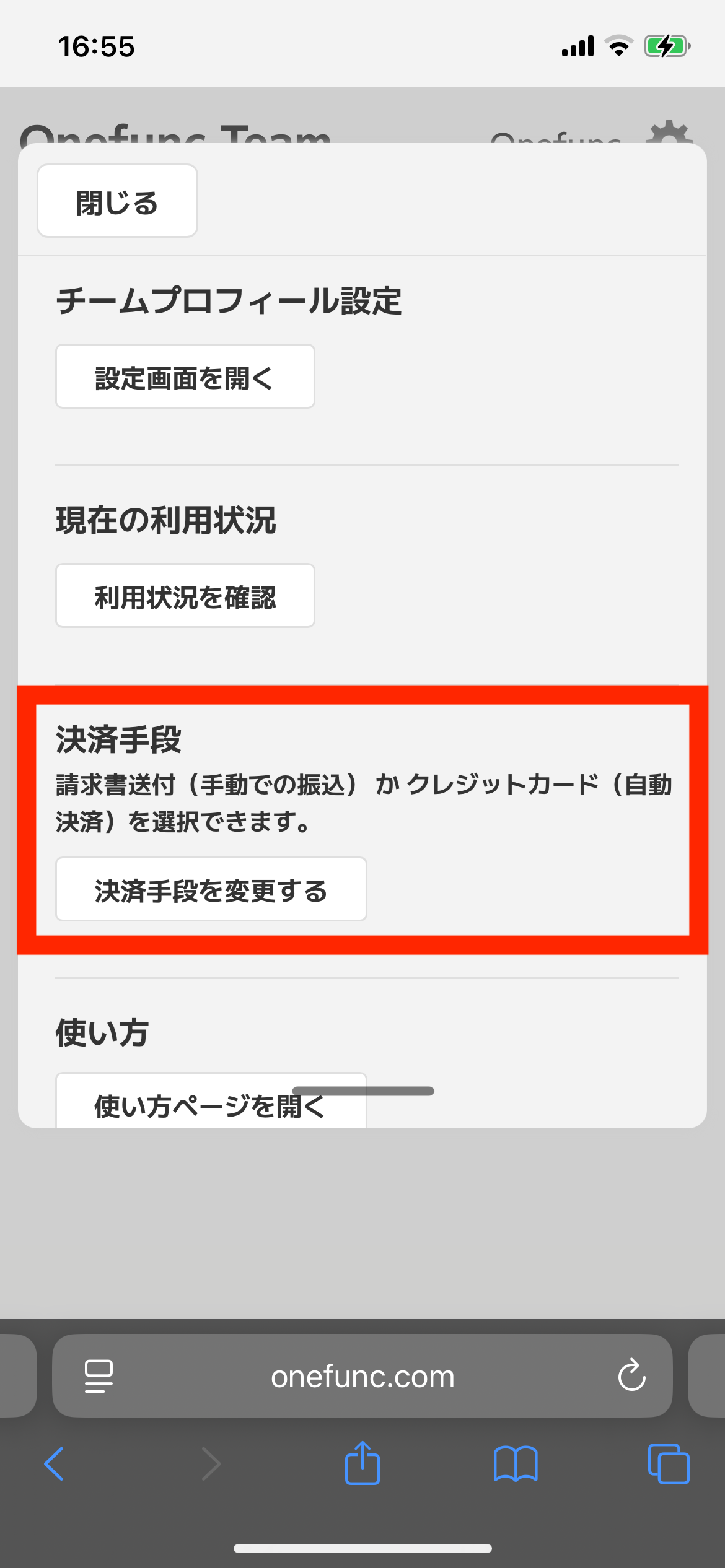
Bank transfer is also available. Bank details will be included in the invoice issued by Stripe.