If the visibility of the shared space is set to "members only"
To set up members
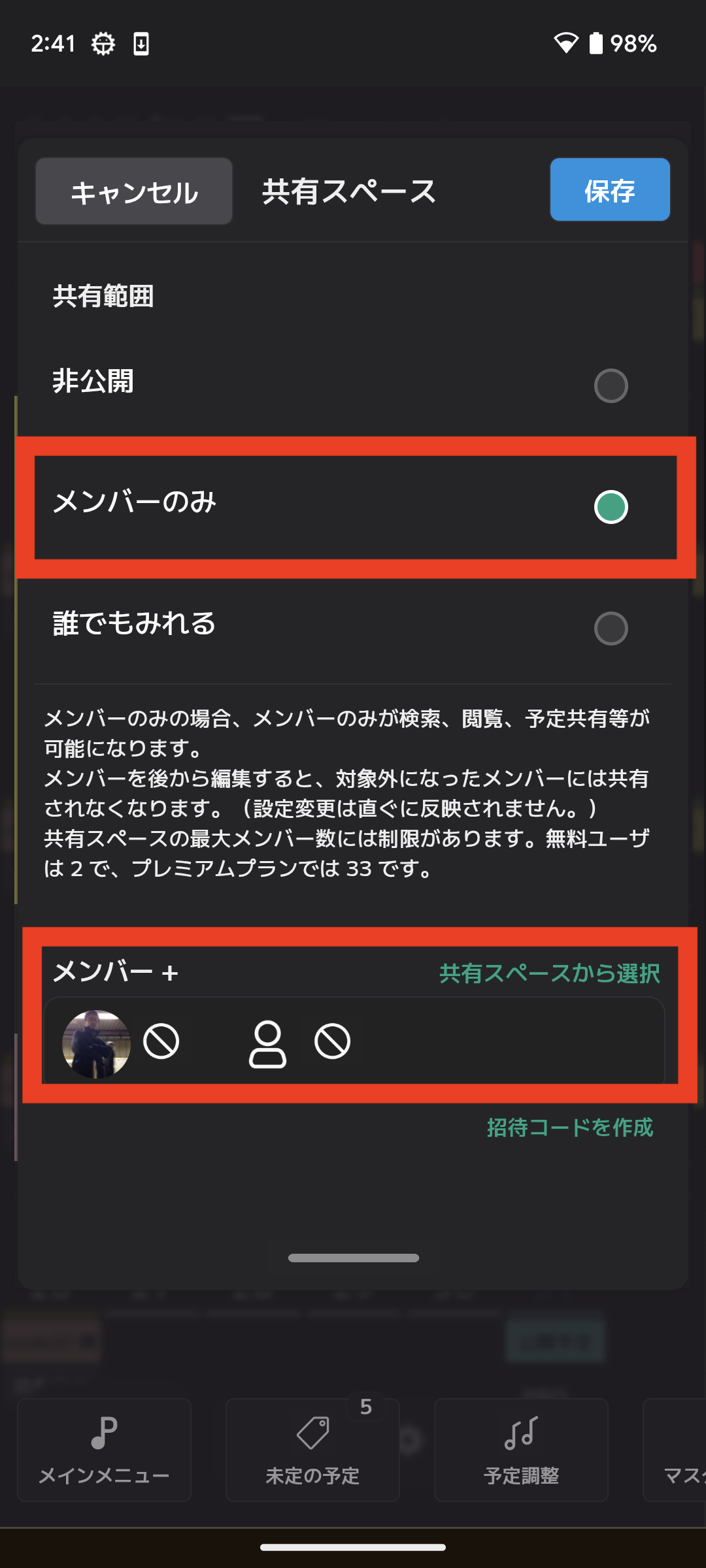
On the shared space settings screen, there is a section to set members as shown in the image below. These members must be found in advance.
 This page will show you how to find them.
How to find members
There are two ways to find
★ Invite to a shared space (recommended method)
★ Search by username
Invite to a shared space (recommended method)
Invite members of a shared space
The owner of the shared space should create an invitation code and share it with people who they want to join. You can share it by any method, such as email.
If you use the invitation code, members will be added automatically.
[1] Create an invitation code (shared space owner)
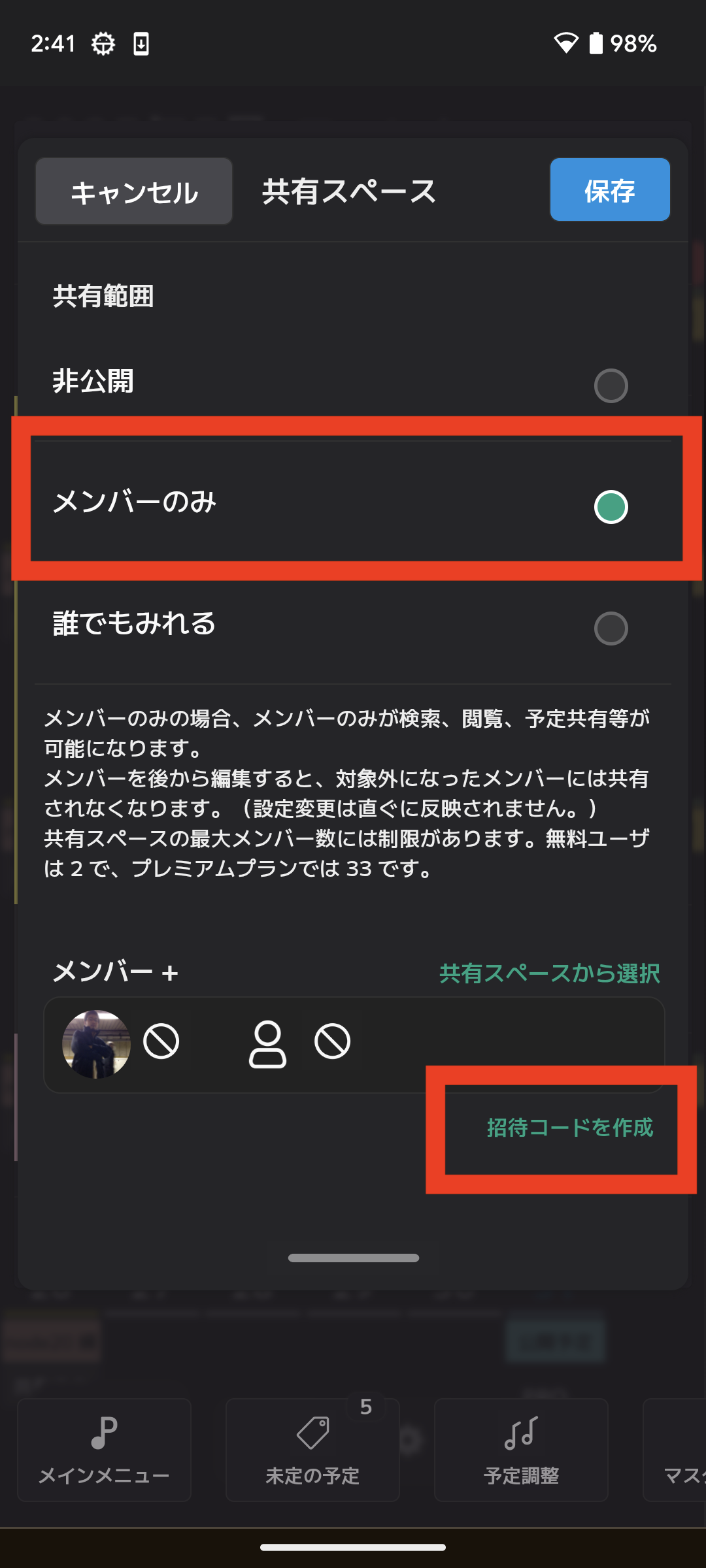
After setting the sharing scope to "members only," select "Create invitation code" in the member editing section.
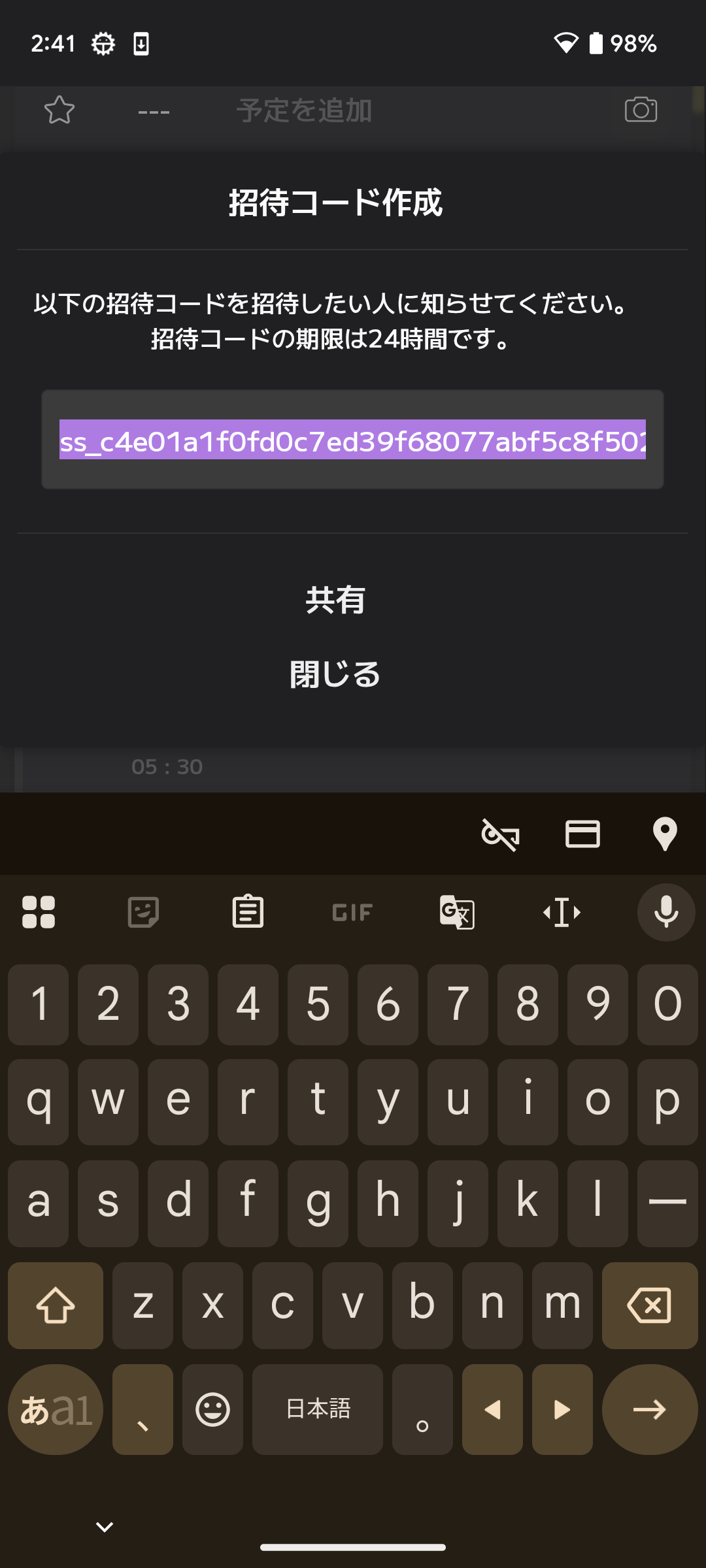
When you select "Create invitation code," the following dialog will be displayed. The entered string is the invitation code for this shared space. Share it with people who you want to join.
[2] Using an invitation code (for those joining a shared space)
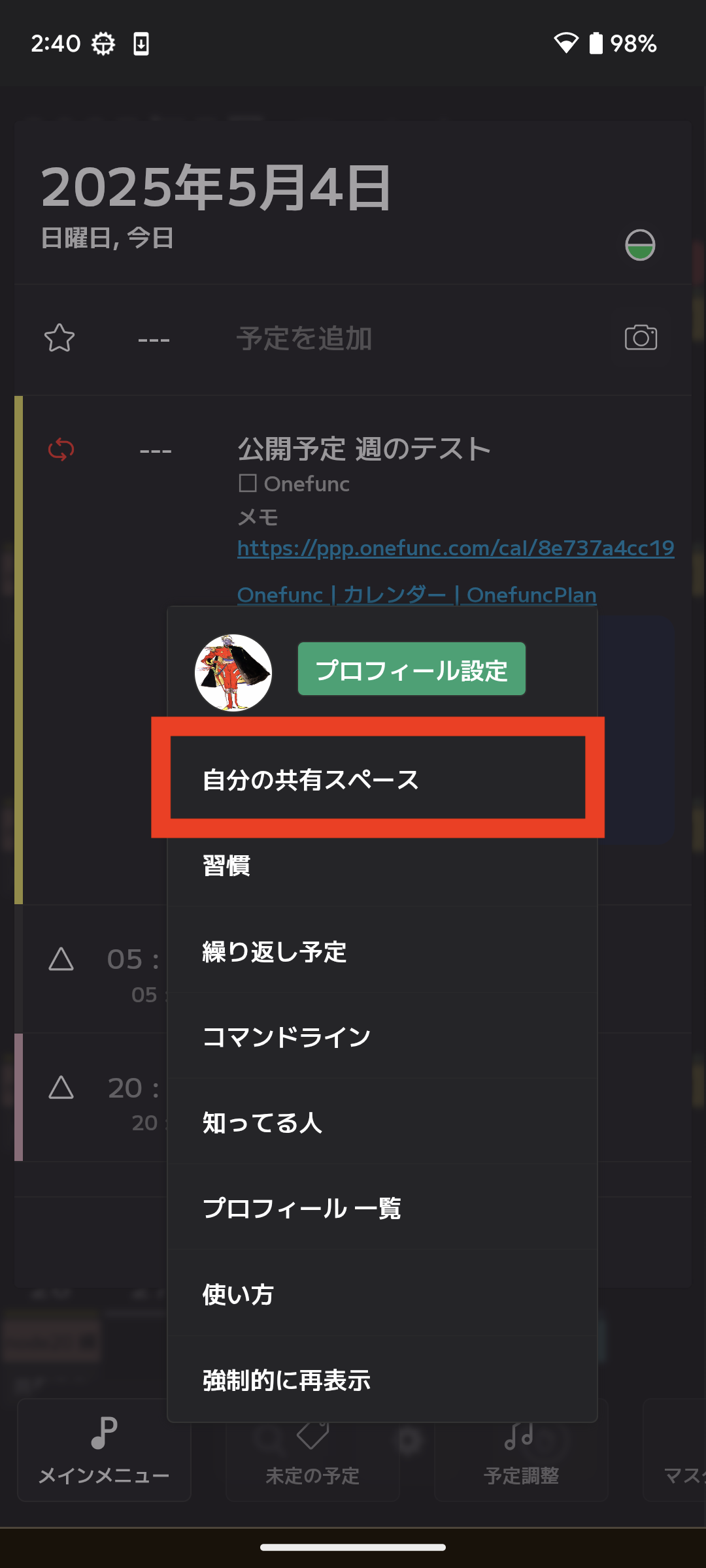
Select "Shared Space" on the screen below.
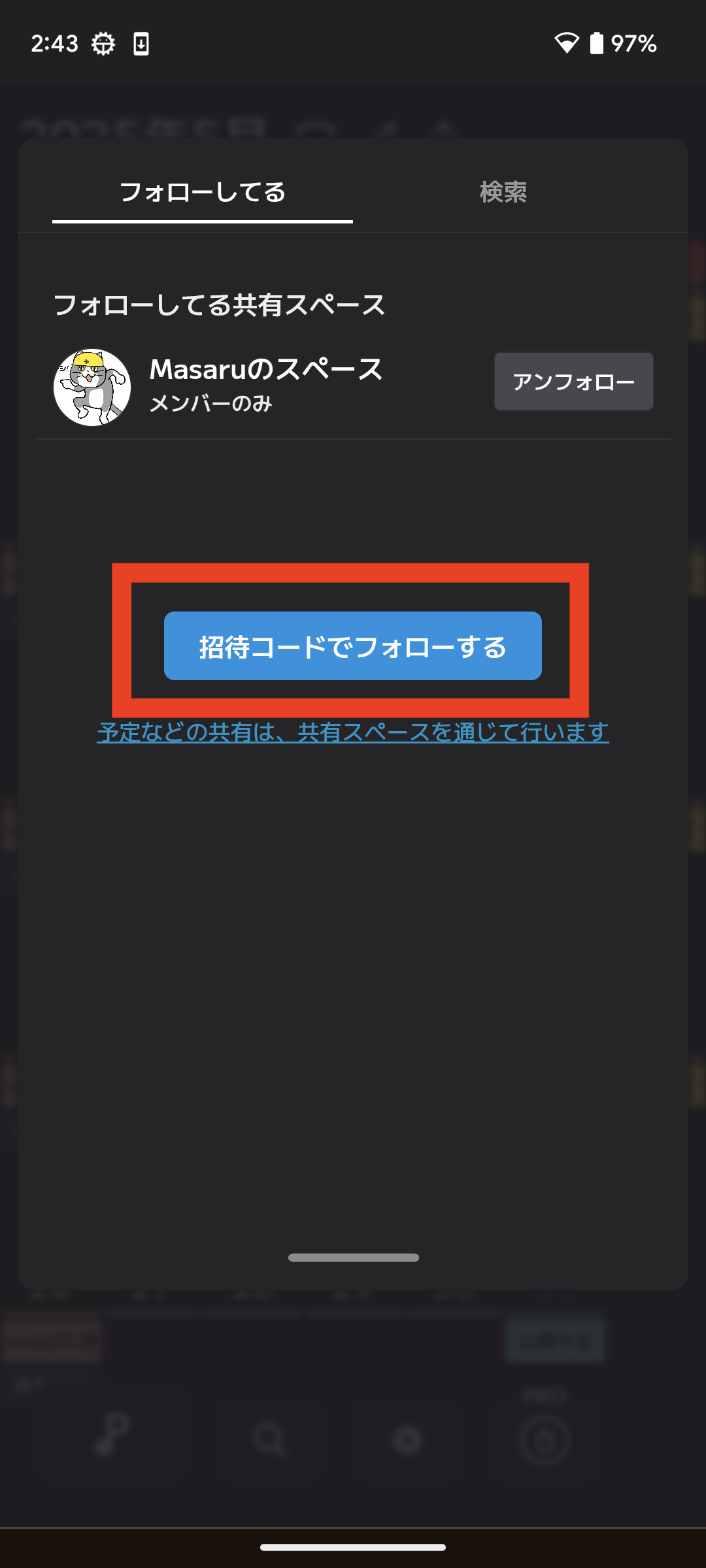
Select "Follow with invitation code" in the "Following" tab.
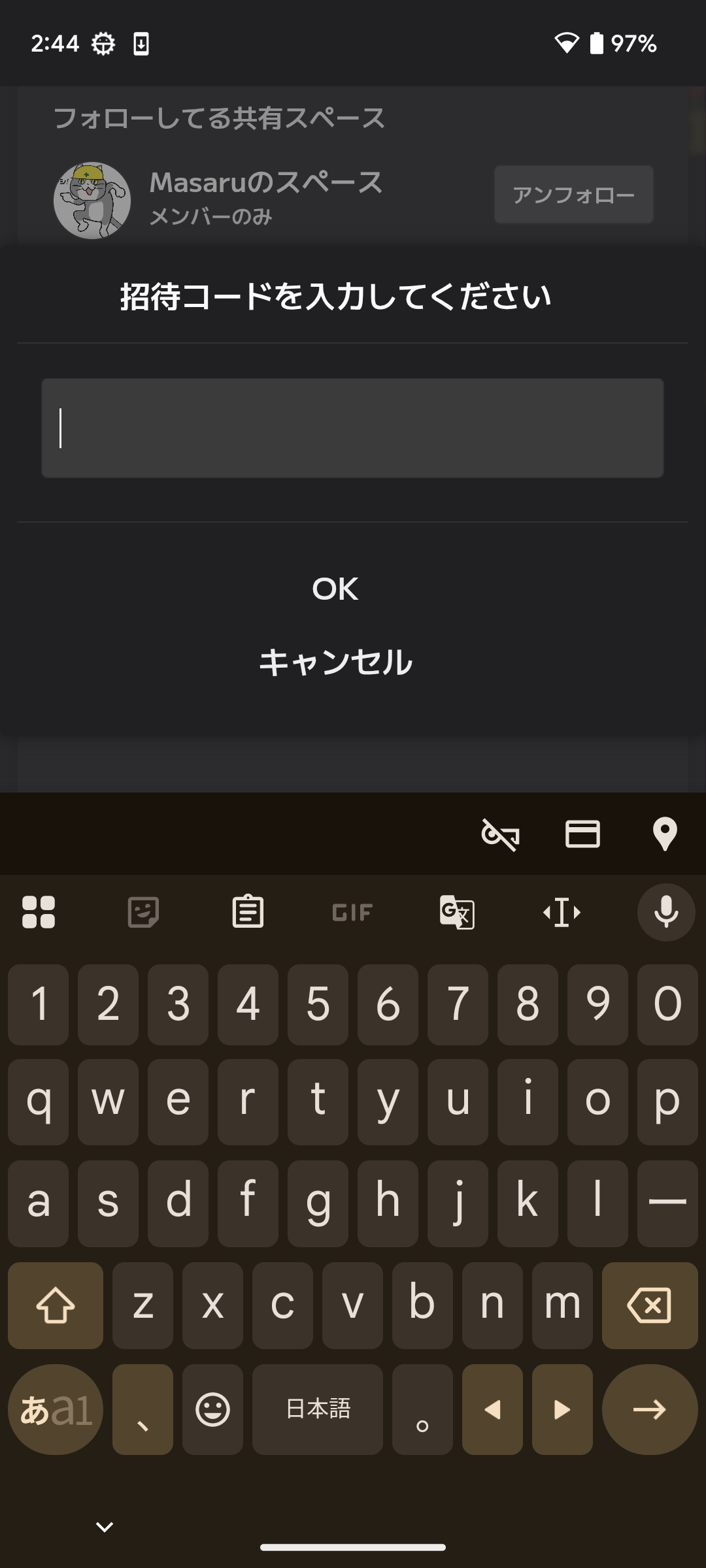
When you select this, the following screen will be displayed. Enter the invitation code to join the shared space.
How to search by username
[1] Open the search screen
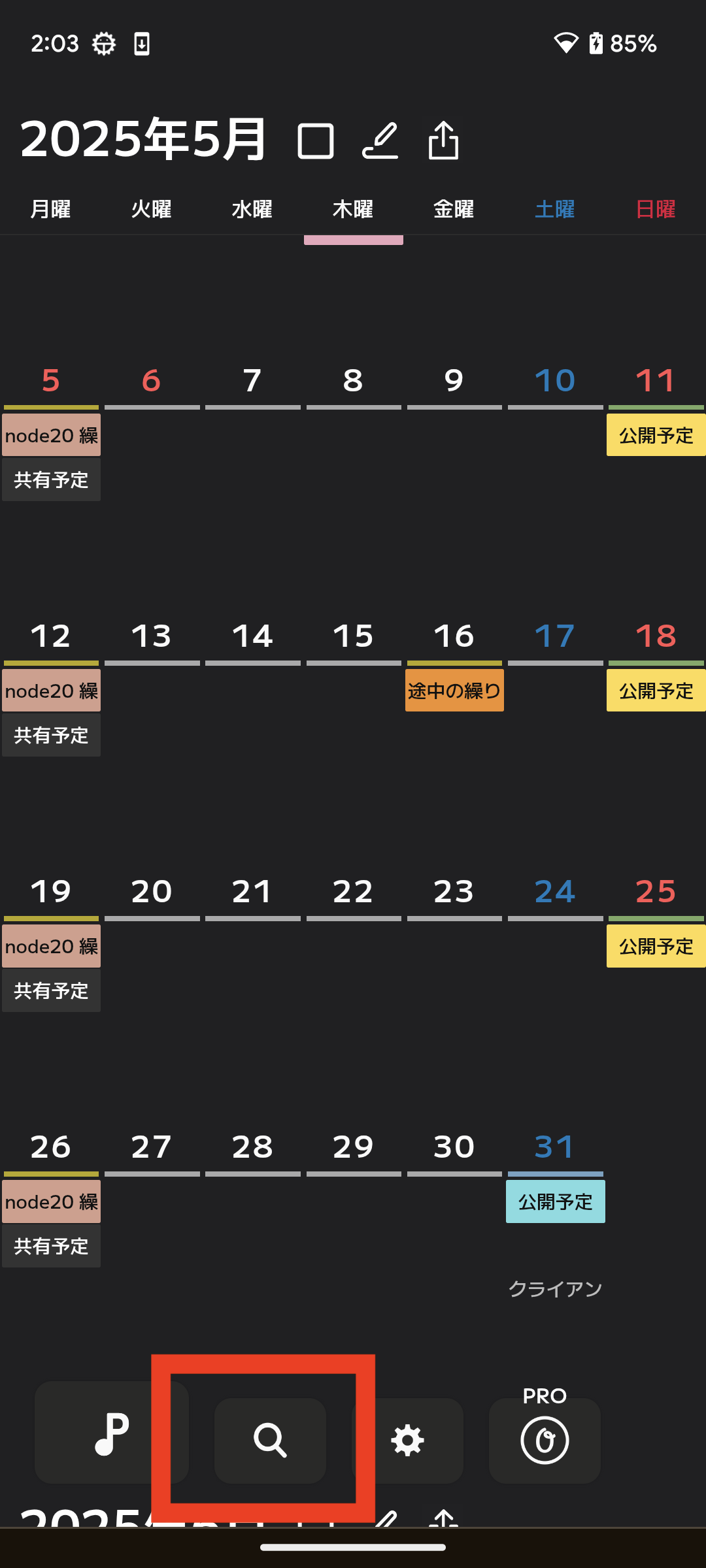
Select the magnifying glass icon at the bottom of the calendar screen to display the search screen.
[2] Search Specifications
Searches are performed with a "forward match". For example, Oda Nobunaga cannot be searched for with "Nobunaga". Please search for "Oda".
Current list of users
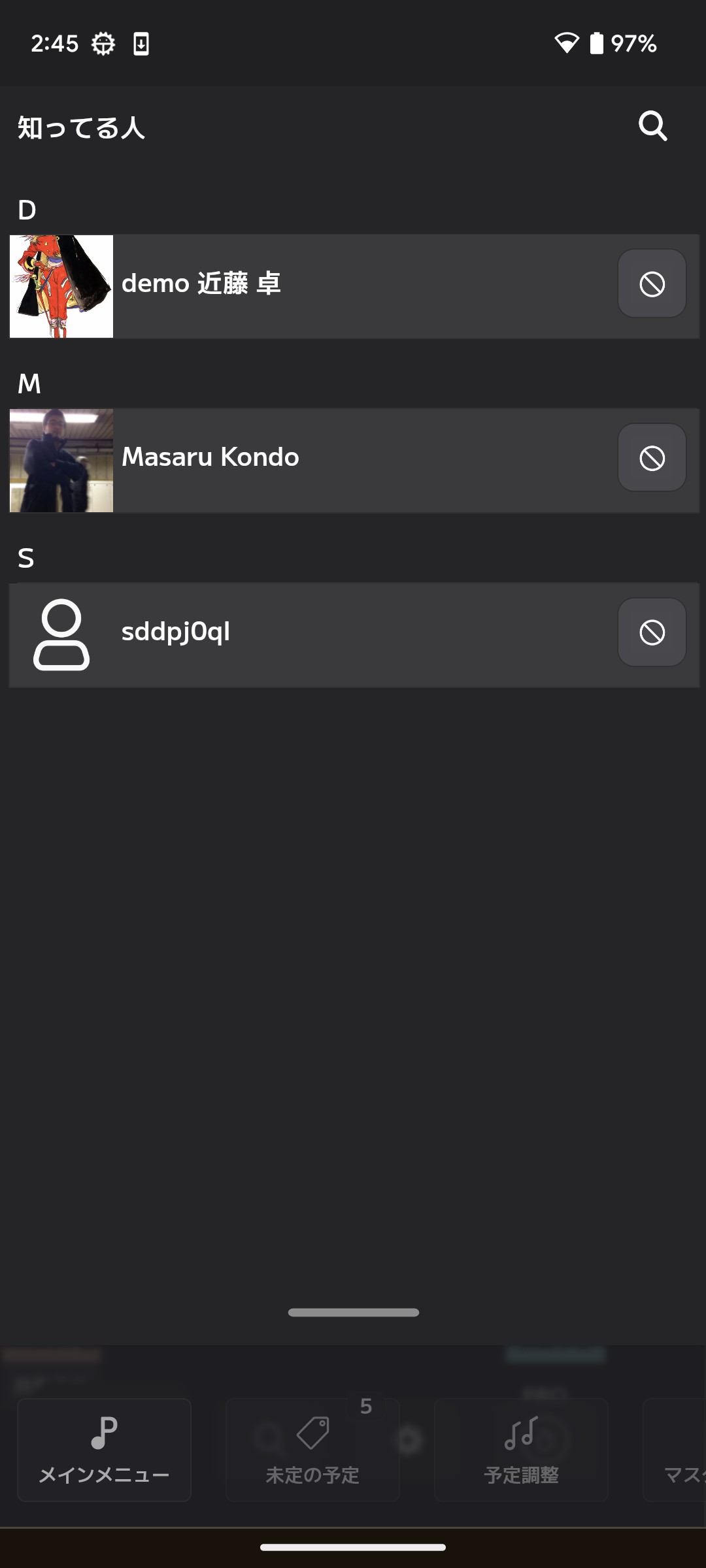
[1] Check the list
Select "Everyone" from the menu at the bottom of the calendar screen.
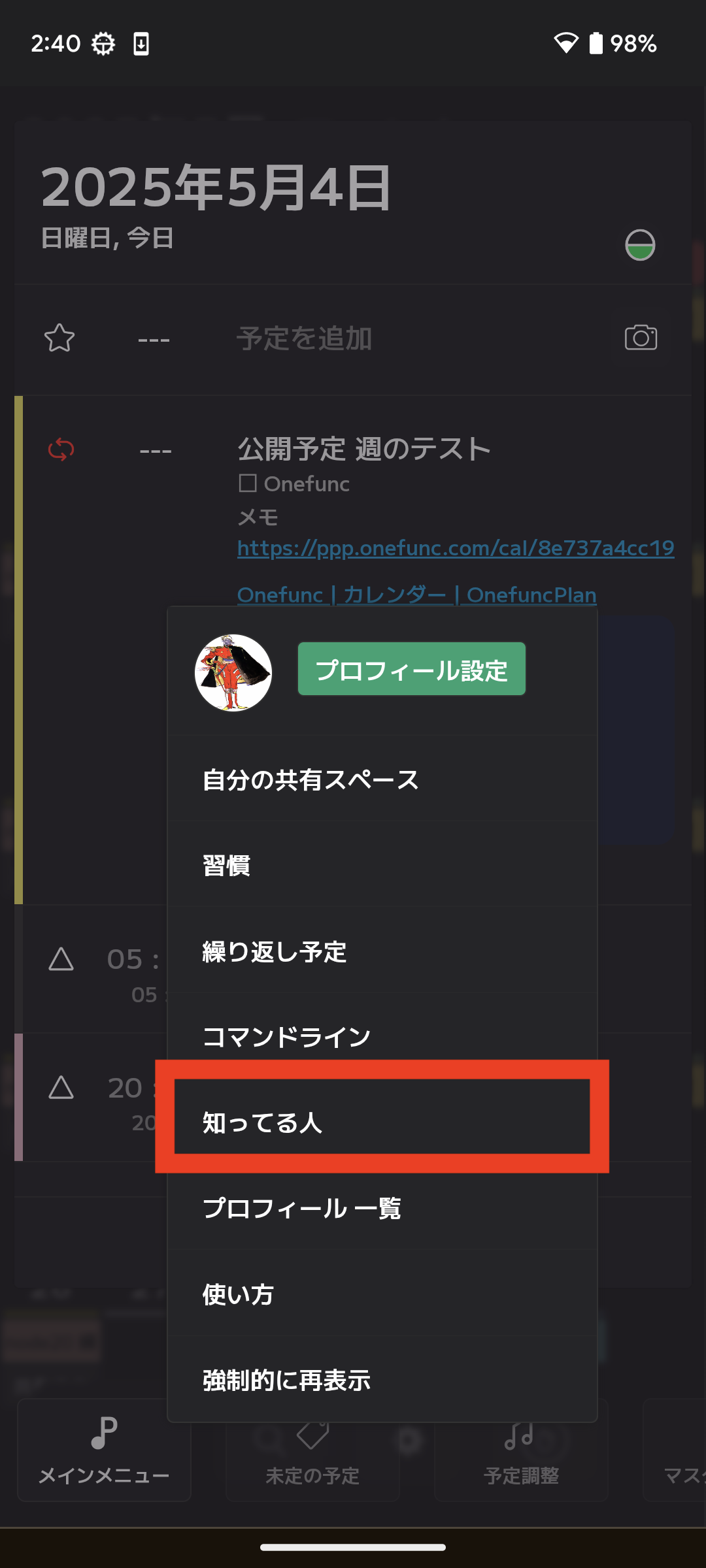
You can delete users from the list screen.
How to let others know about your profile
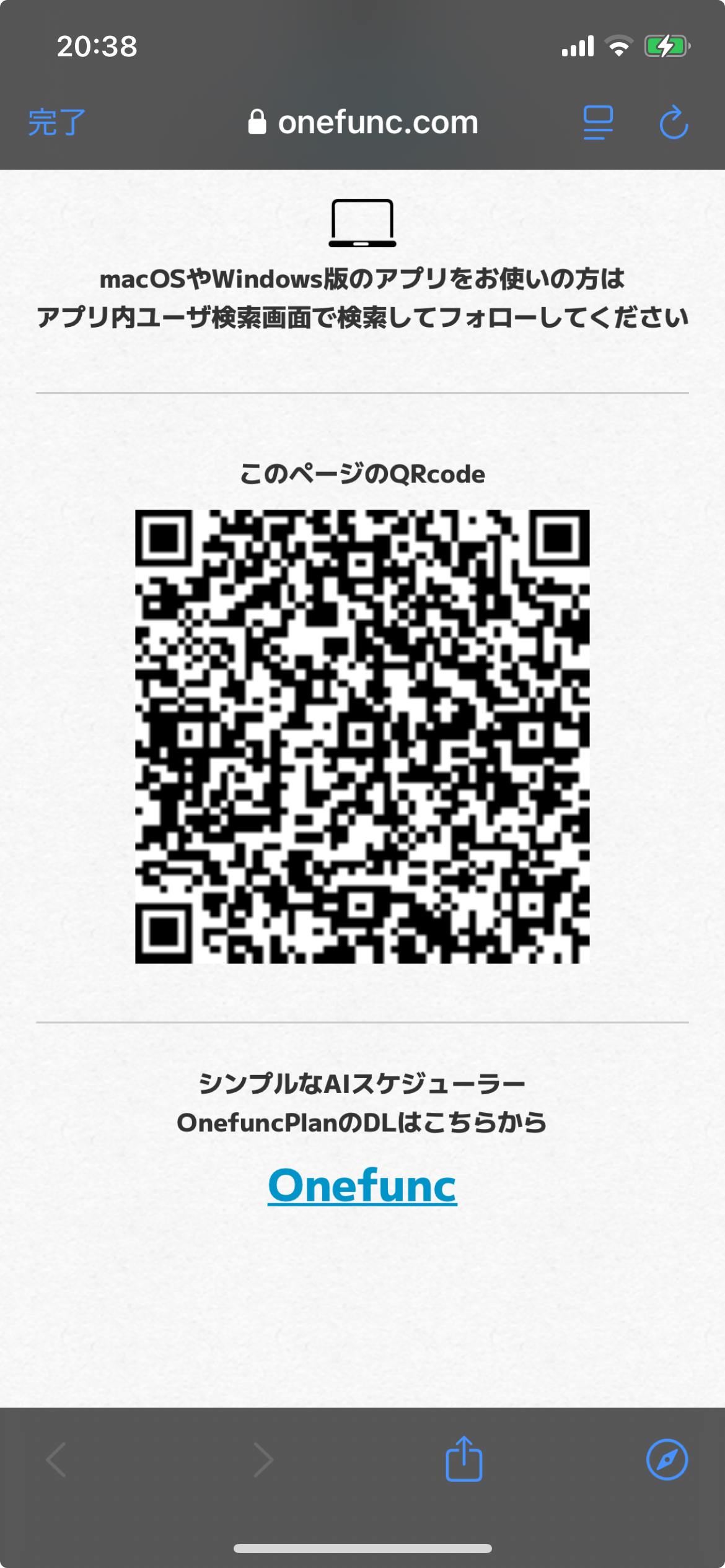
Use your QRcode to help people find you.
In the screen below, select your profile icon to display your public profile page.
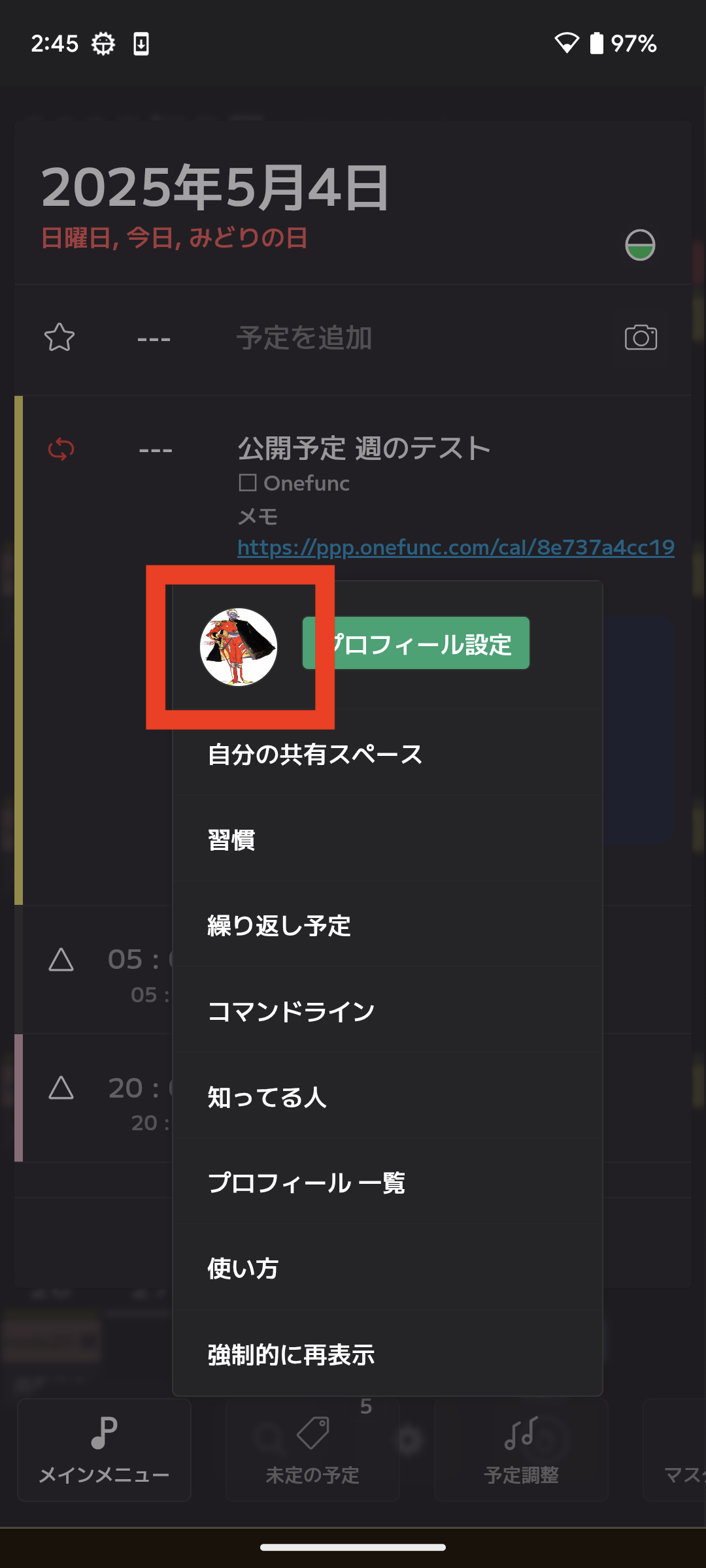
Scroll down to the bottom of your public profile page to find your QRcode. Use it.