Create Onefunc Plan Profile
Role of Profiles
In Onefunc Plan, profiles are linked to data. For example, if you create multiple profiles, each profile will have its own data such as shared spaces, TBDs, and monthly notes.
Also, if you do not create a profile, you cannot use features that allow you to share data, such as shared spaces.
Profile Settings (Android, Windows, macOS, Web)
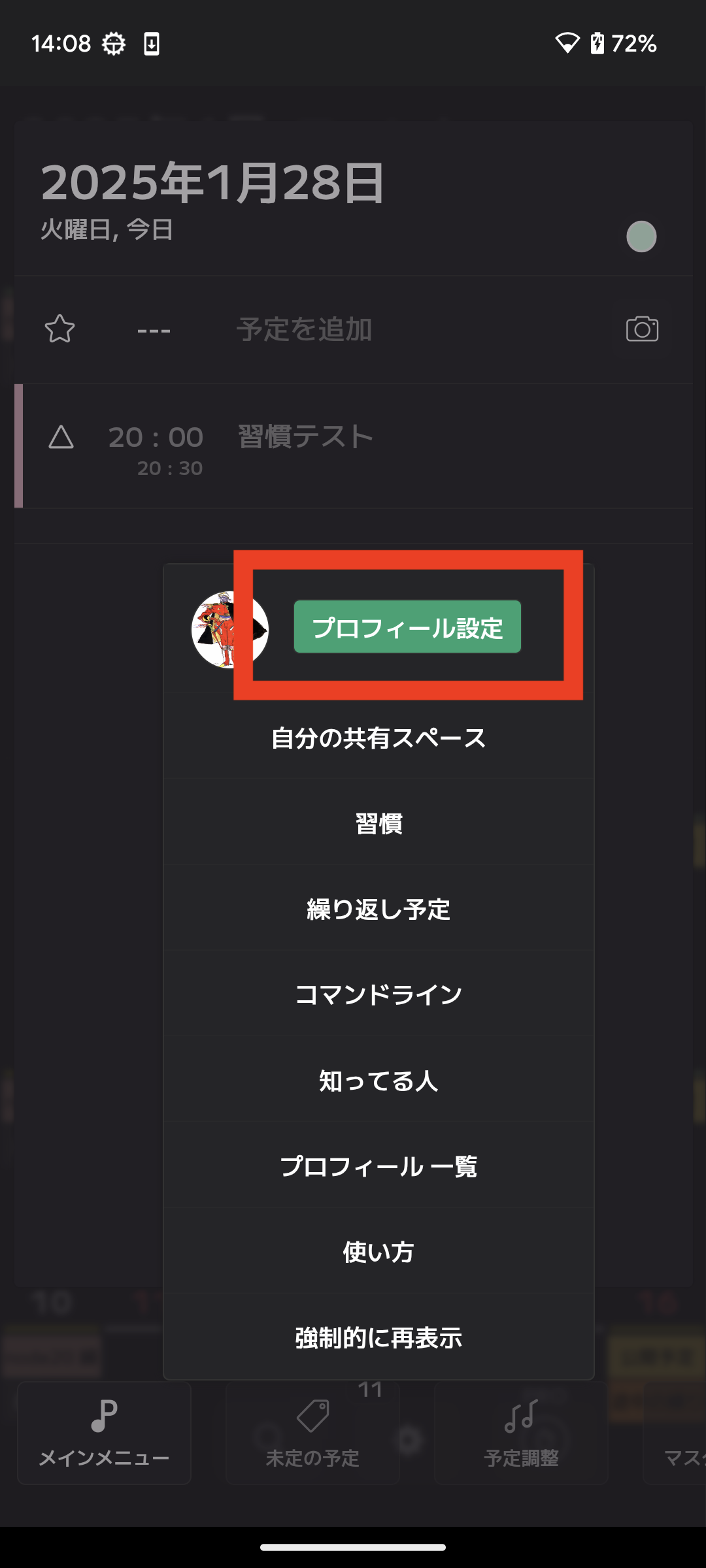
You can access the settings screen shown below.
★A temporary profile is automatically created when the app is launched.
The initial profile name is a random string.
1. Profile Image
Set an image that is easy for others to recognize and shows your personality.
2. Name (Required)
Your name is required so that others can find you through search. Choose a name that is easy to find.
3. Privacy
Set whether other users can search for you by your name.
4. Style
You can set your preferred style of time management.
5. Website
You can add your personal website.
6. Self-Introduction
Write something here if you want to share information about yourself.
How to Create a New Profile (Android, Windows, macOS, Web)
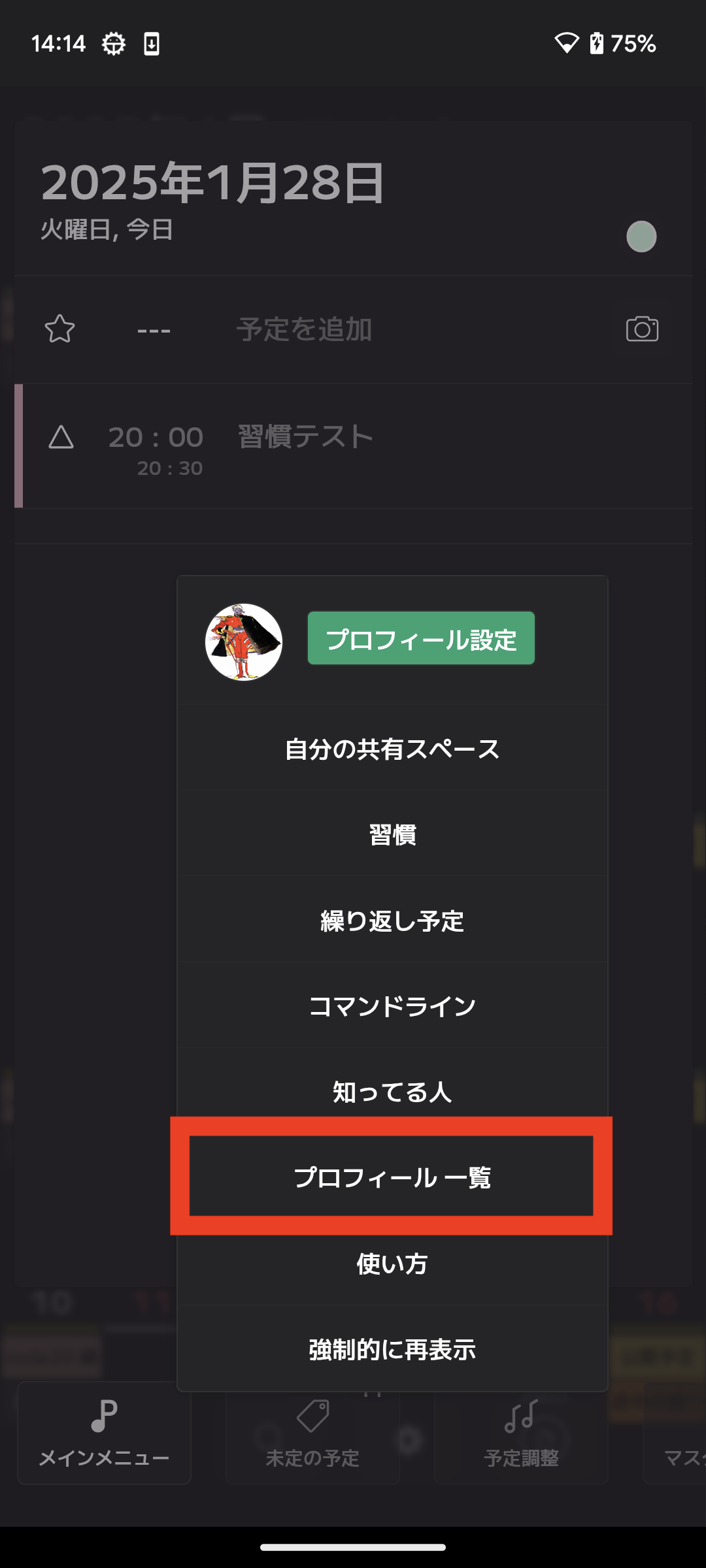
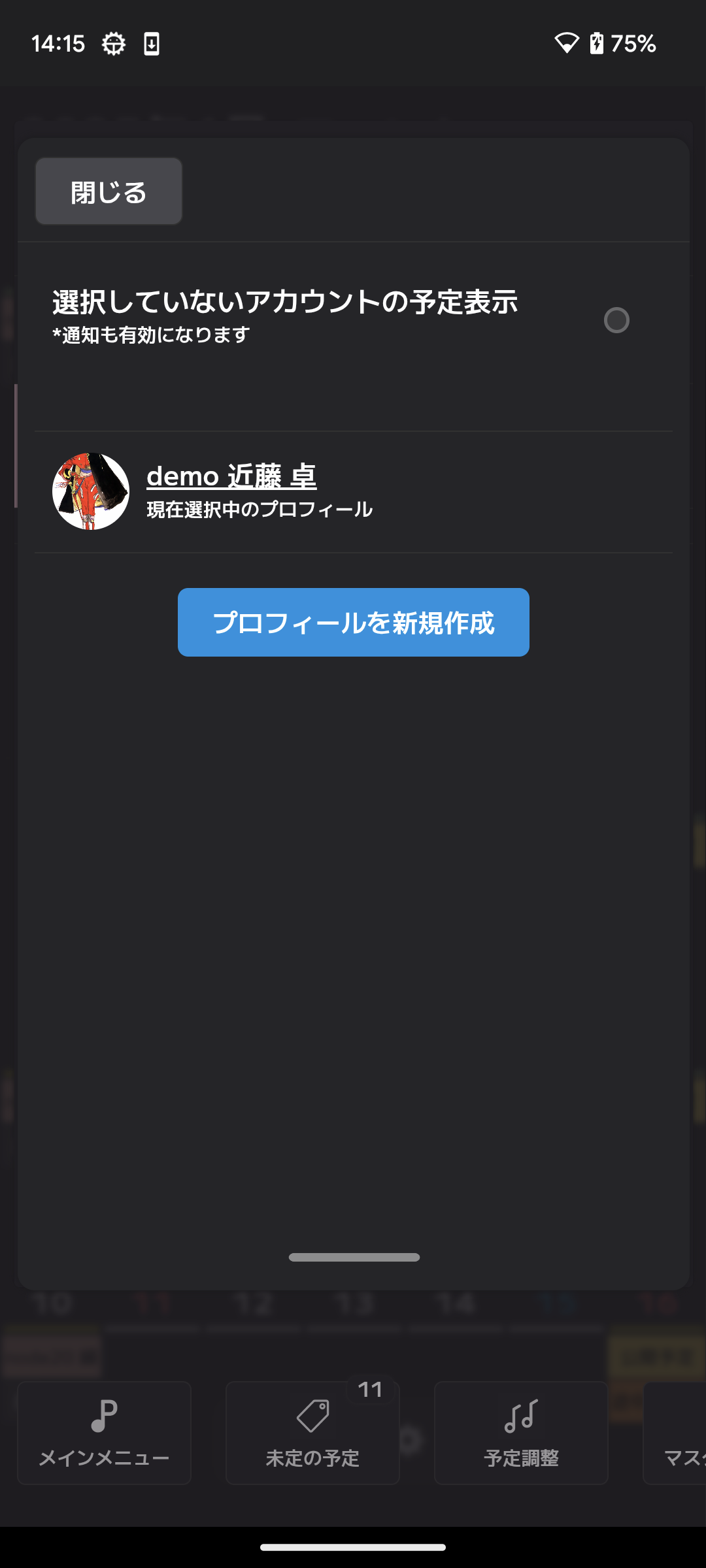
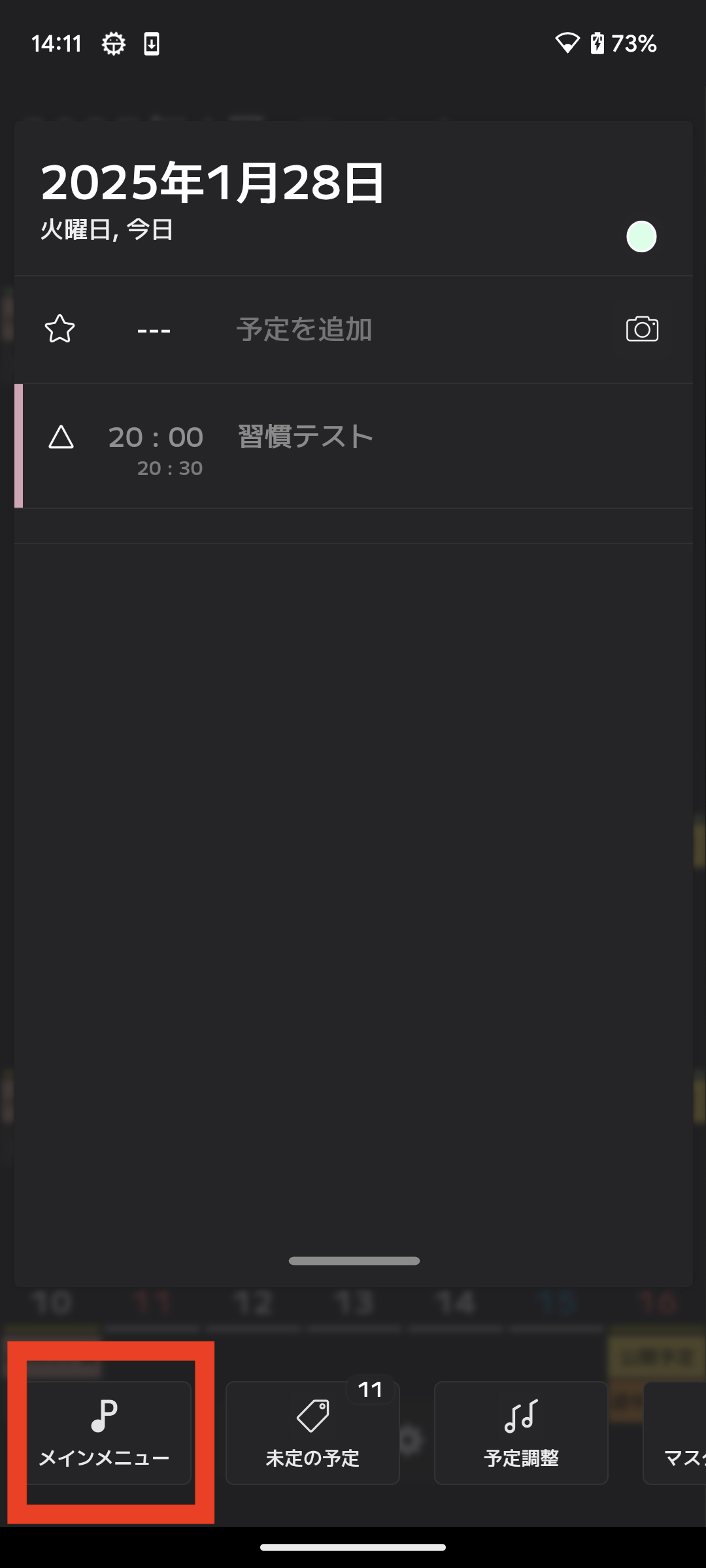
You can create a new profile by following the steps below.